
For studios · Team & Rooms
Staff and roles
Invite your team and decide what each person can see and do.
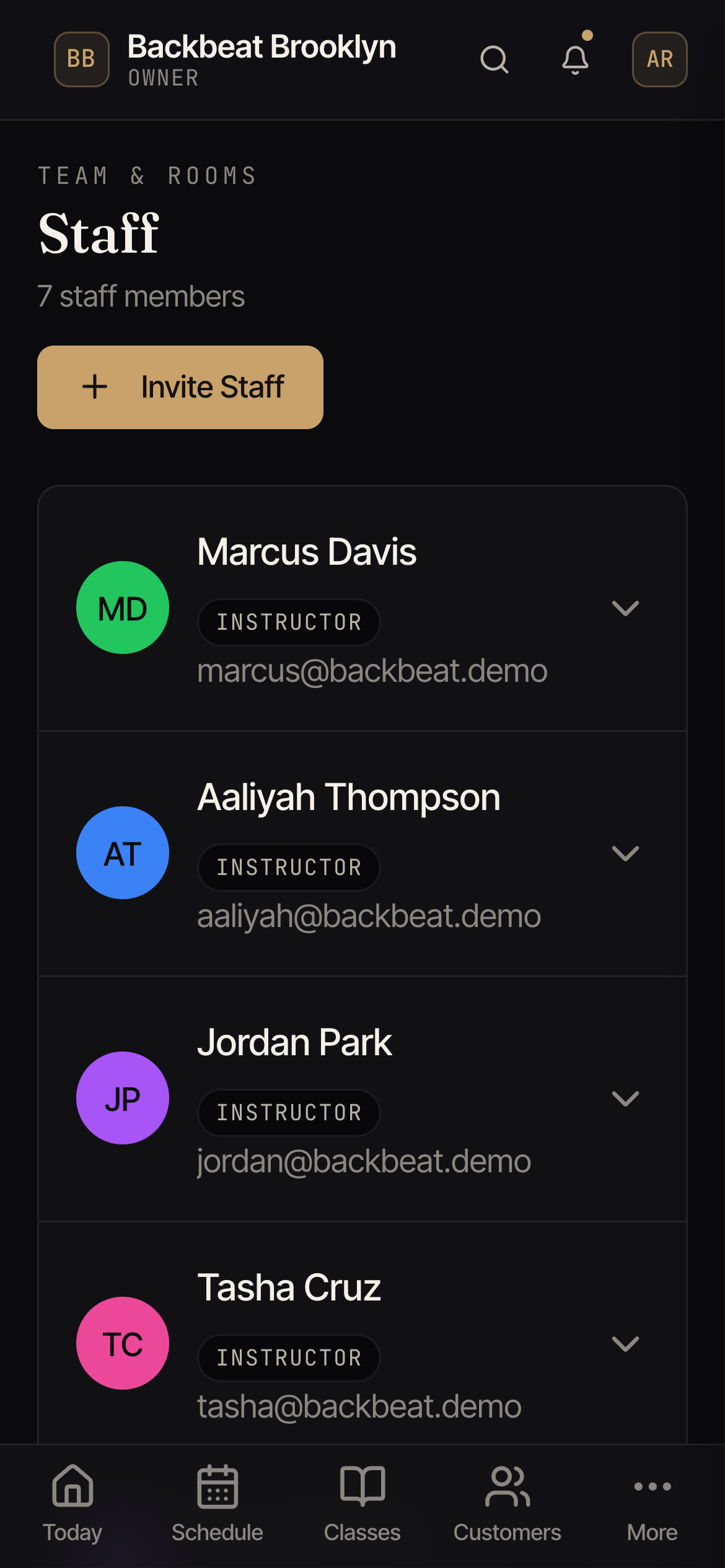
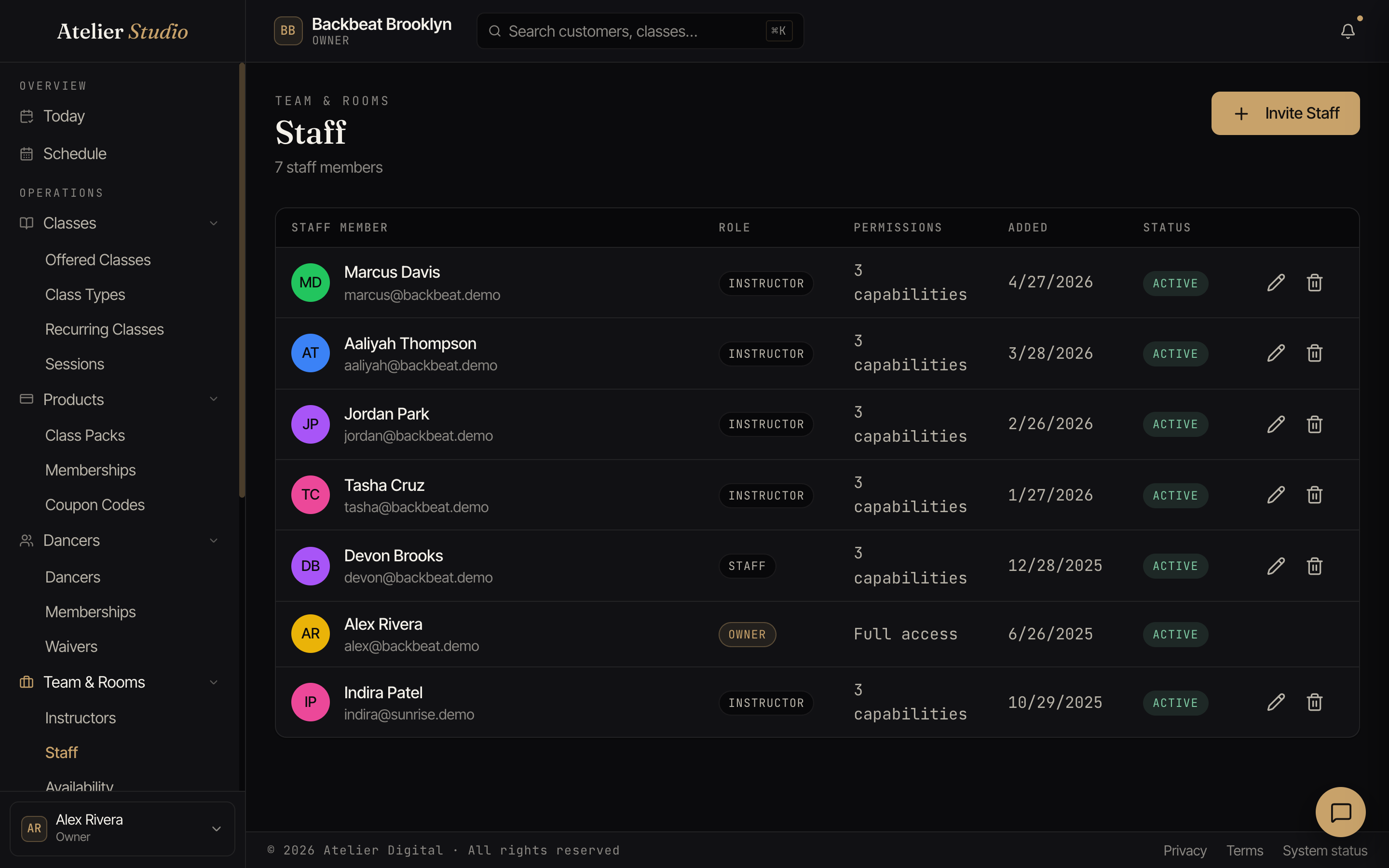
Bring your team into Atelier Studio and give each person the right level of access. Open Team & Rooms → Staff.
Inviting someone
Select Invite Staff, enter their name and email, and choose a role. They get an email to set a password and join.
Roles and permissions
Each person has a role (like Owner, Staff, or Instructor), and the role decides their permissions (the things they’re allowed to do). An owner has full access; other roles see only what they need. Each person’s row shows how many permissions they have, for example 12 permissions.
You can change anyone’s role later from this screen.