Find a class at your studio, reserve your spot, and get your confirmation.
Last updated 9 October 2026
Booking a class takes a few seconds. You can do it from your studio’s booking
page or in the Atelier Studio app.
Find a class
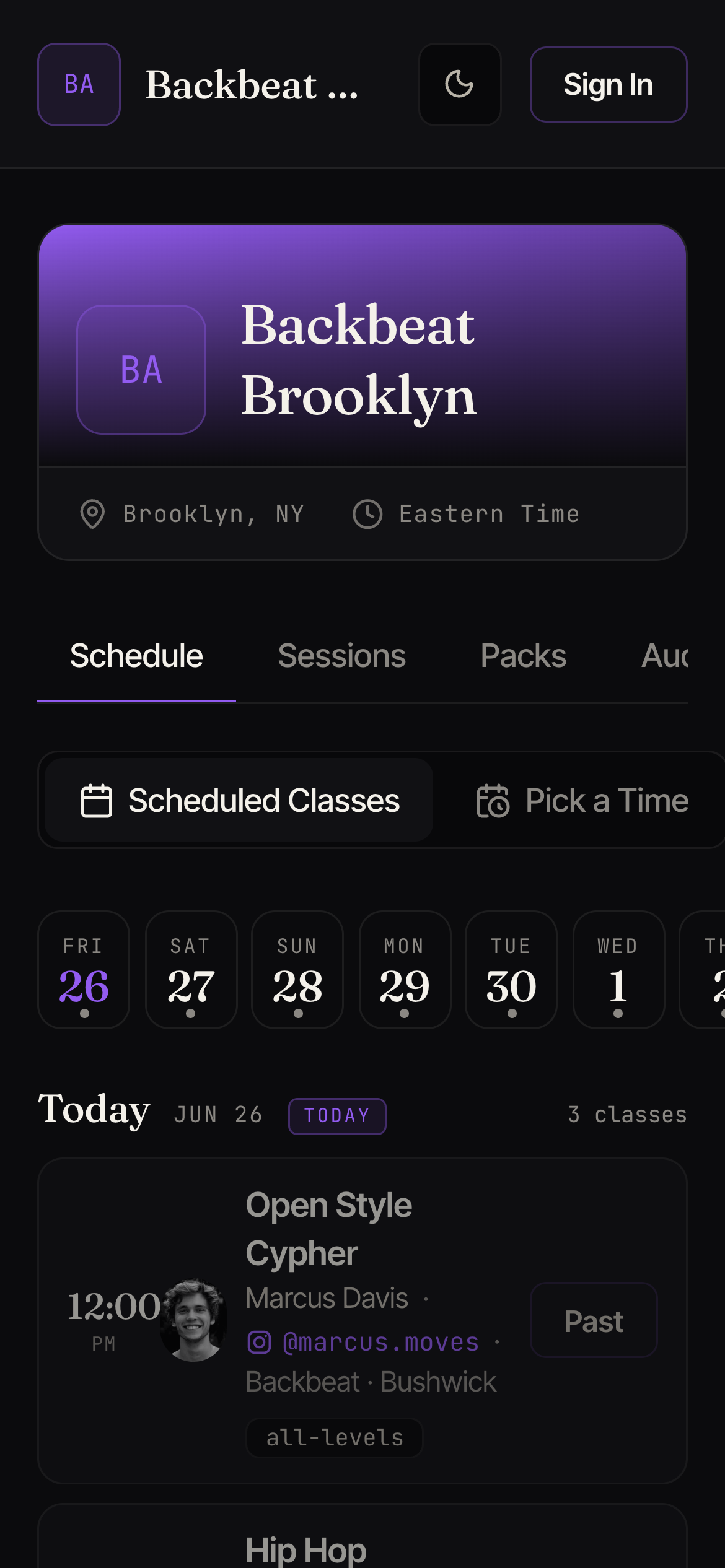
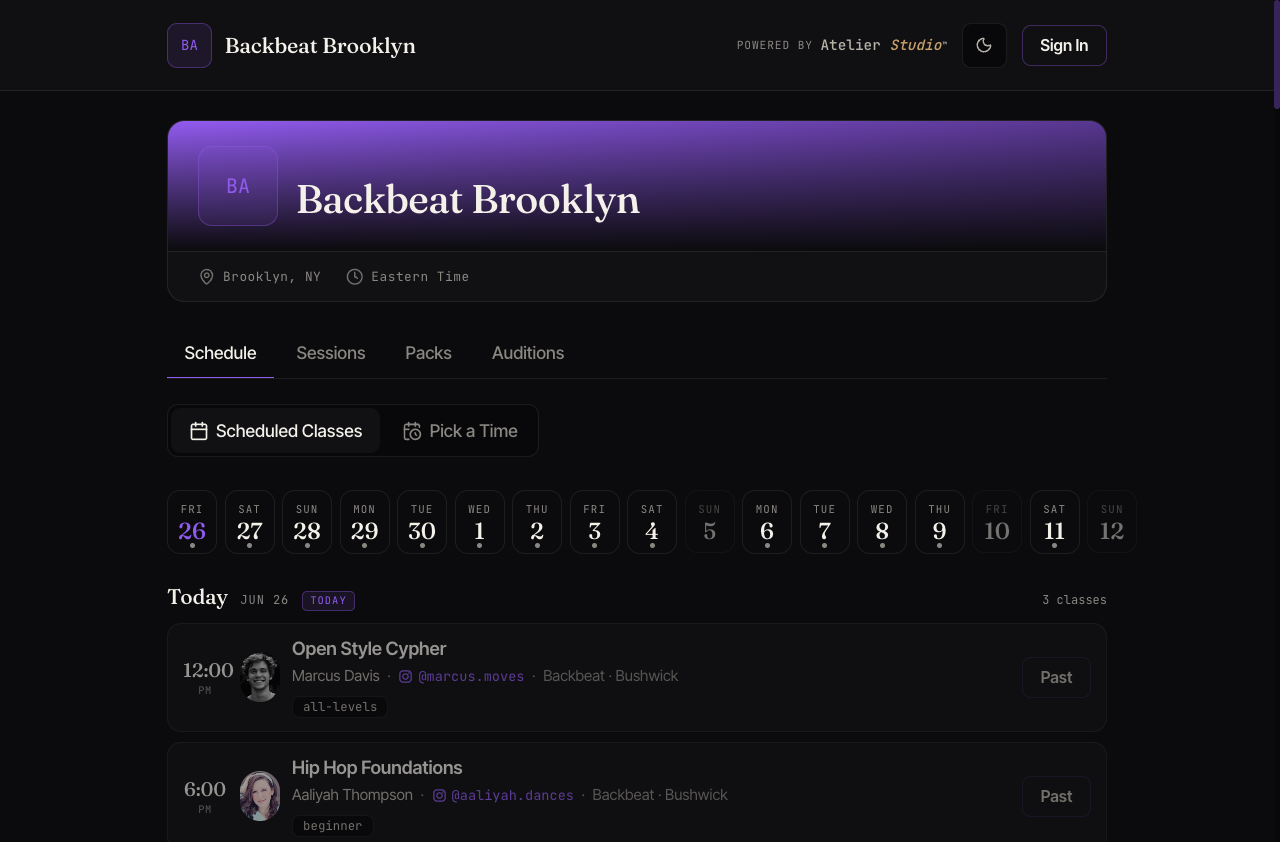
Open your studio’s page and browse the Schedule by day. Each class shows the
time, who’s teaching, the level, and how many spots are left.
Your studio's schedule
You can move between days with the date strip, or use Pick a Time to find a
class that fits your day.
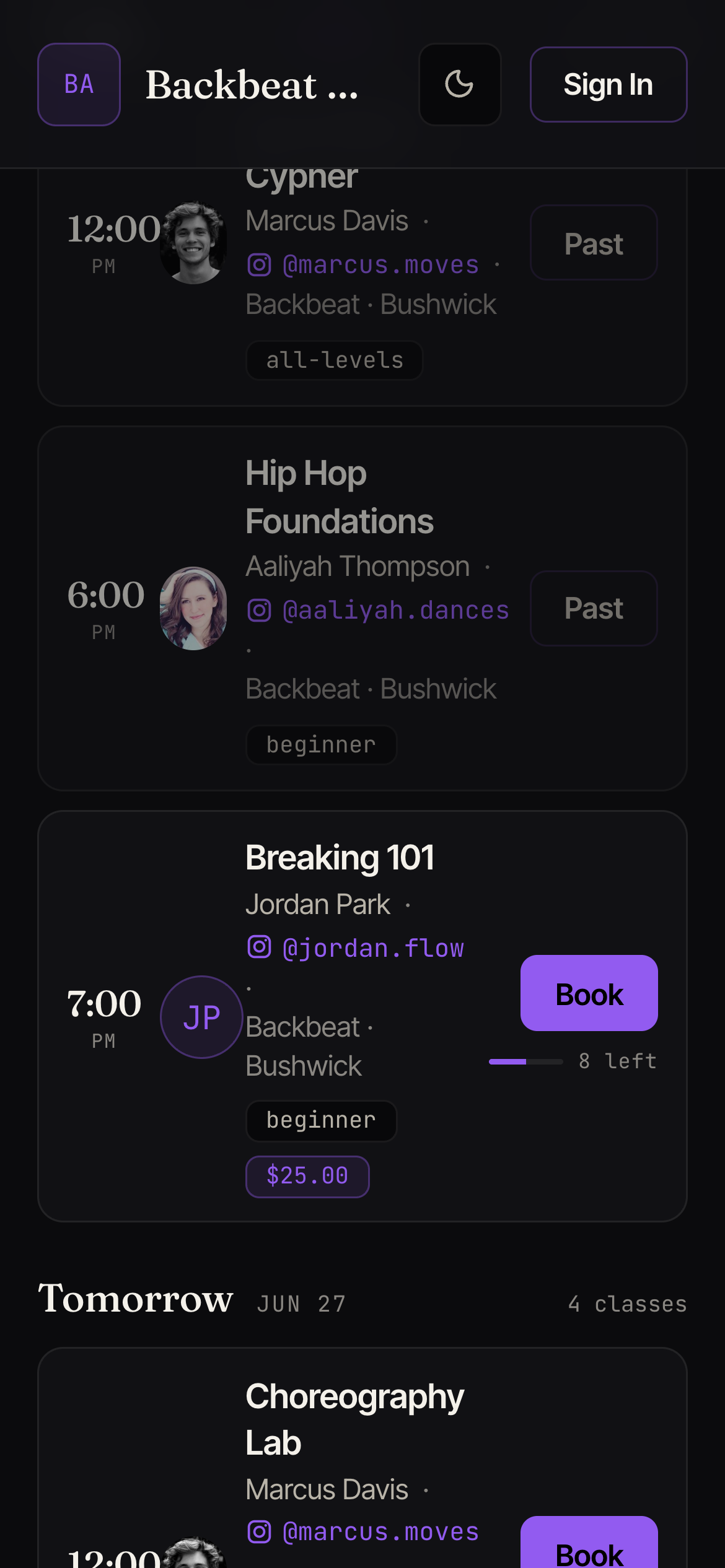
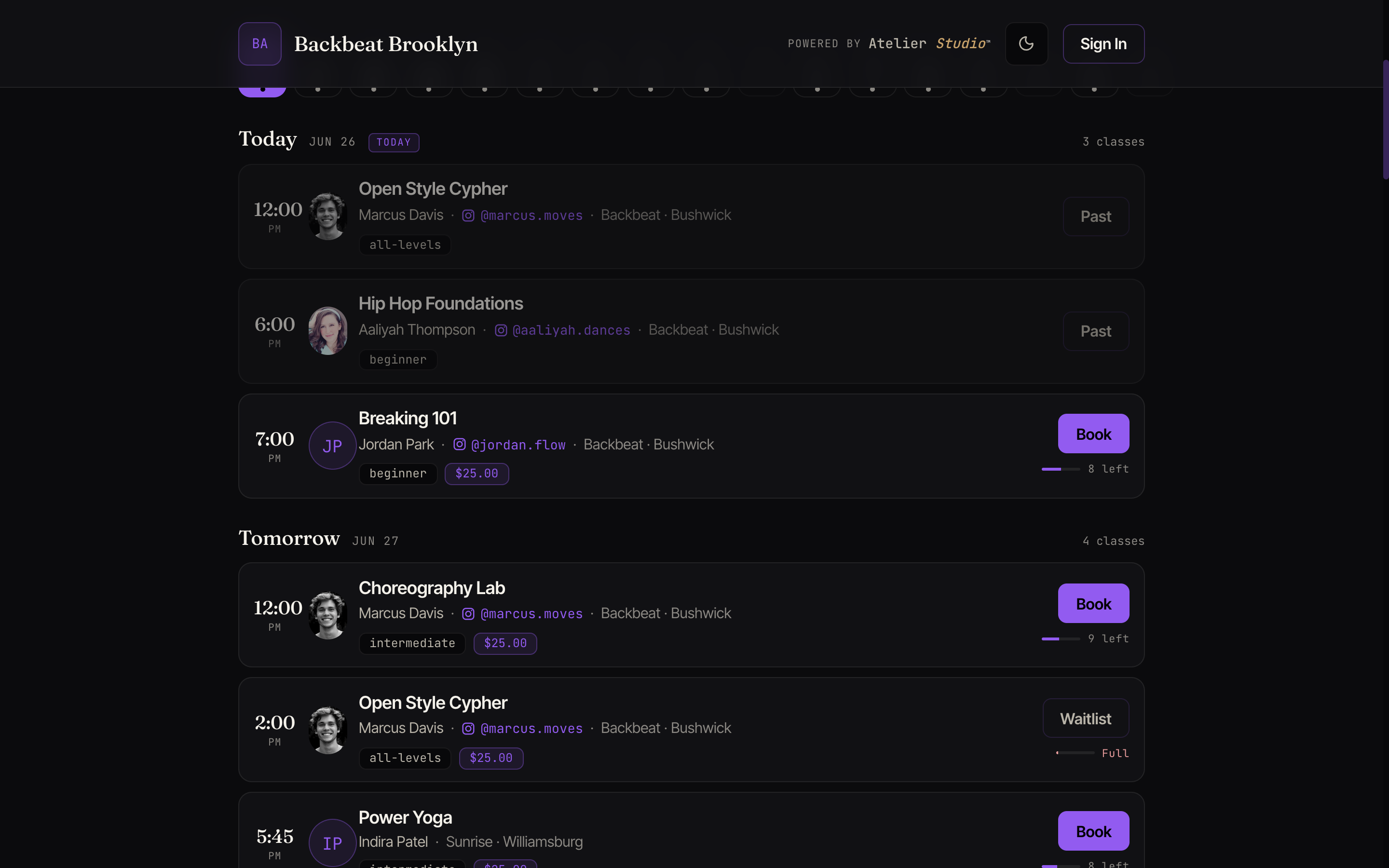
Reserve your spot
Find the class you want and select Book. Each class shows its price and the
spots remaining, so you know before you tap.
Tap Book on the class you want
If the class has a drop-in price you’ll enter your name and email and pay at this
step. You can pay with a card, Apple Pay, or Google Pay, and you’ll see the class
price before you confirm. If you have a membership or pass that covers it, your
spot is reserved without paying again. If you’d like to buy a pass to use right
away, you’ll only be offered memberships and packs that work for this class. One
meant for a different kind of class won’t show up here, so it can’t be used by
mistake.
Your confirmation
You’ll get an email (and a push notification in the app) confirming your spot,
with the time, location, and a link to add it to your calendar. The class also
appears under My Schedule.