
For studios · Backstage App
Reports and payouts
A quick look at sales, members, no-shows and payouts from your phone.
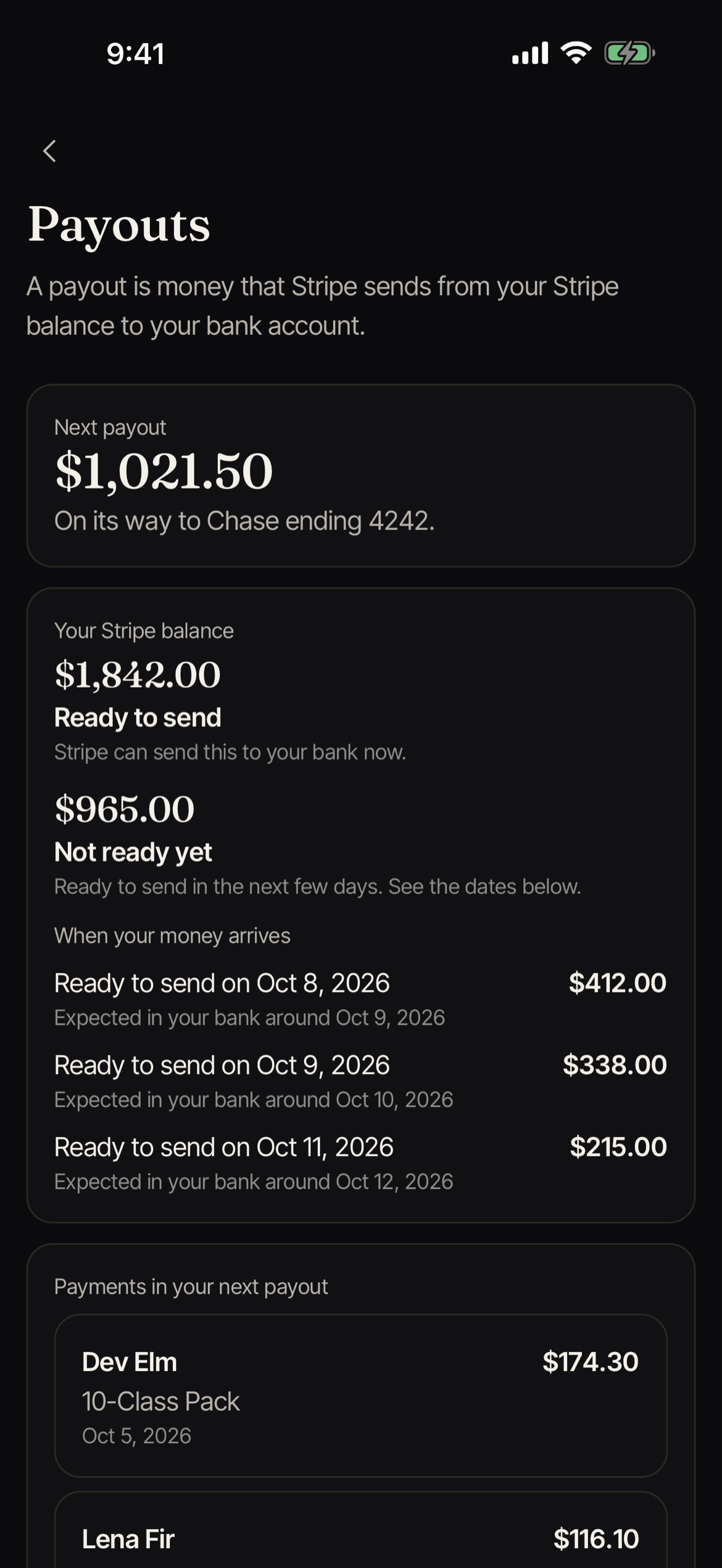
Open More, then Reports (“Sales, members and payouts”). Backstage shows a quick look at how your studio is doing. For every column and for downloads, open Reports on the web. See Reports and Payouts report.
The reports
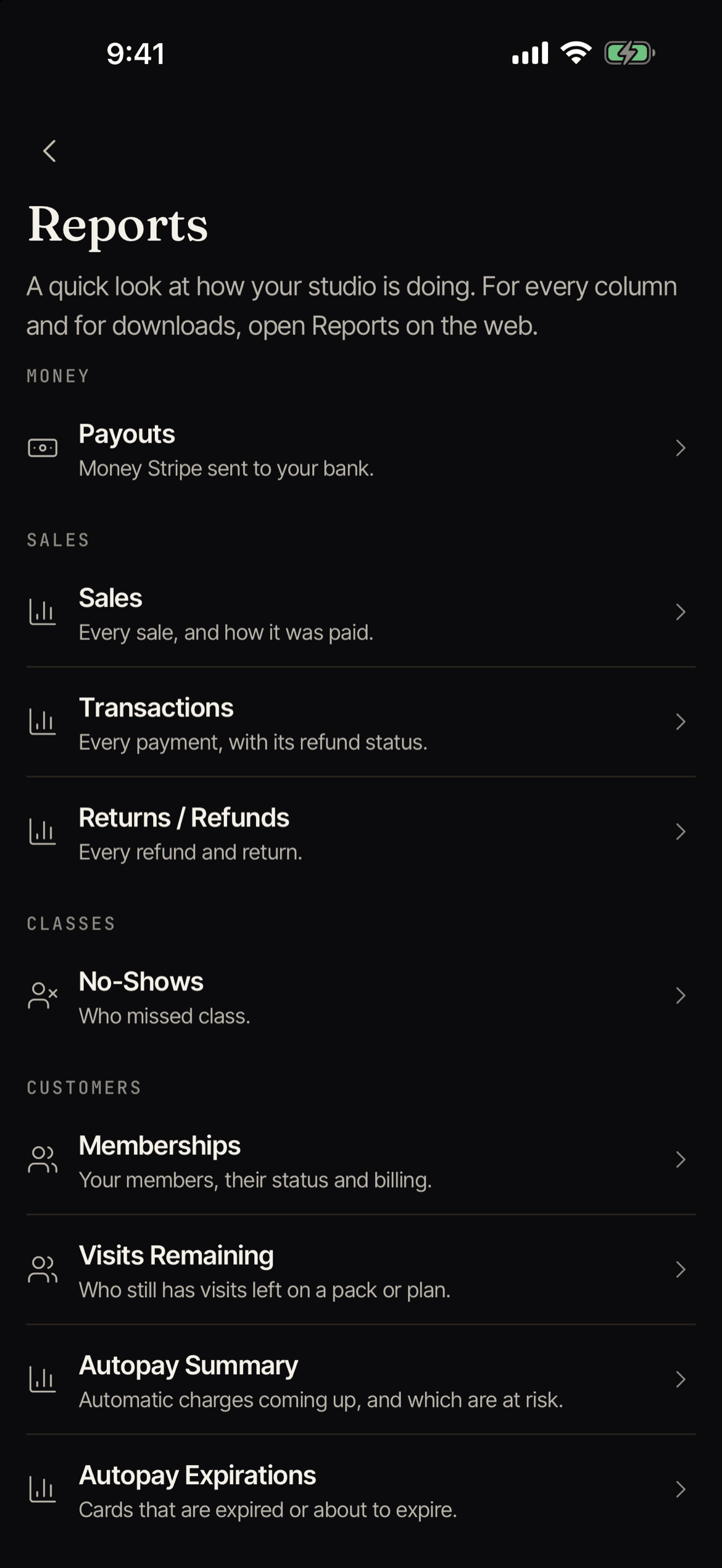
The list is grouped as Money, Sales, Classes, and Customers.
| Report | What it shows |
|---|---|
| Payouts | Money Stripe sent to your bank. |
| Sales | Every sale, and how it was paid. |
| Transactions | Every payment, with its refund status. |
| Returns / Refunds | Every refund and return. |
| No-Shows | Who missed class. |
| Memberships | Your members, their status and billing. |
| Visits Remaining | Who still has visits left on a pack or plan. |
| Autopay Summary | Automatic charges coming up, and which are at risk. |
| Autopay Expirations | Cards that are expired or about to expire. |
For date-based reports, use Dates to pick Last 7 days, This month, Last 30 days, Last 90 days, or This year. Tap Show more to load more rows.
Reports are not saved on your phone, so they need a connection.
Who can see them
You need access to reports. Some reports also need access to customer billing. If you do not have it, Backstage says “This report is not available to you”. Ask your studio owner.
Payout notices go to the studio owner and people who manage the studio’s billing.