
For studios · Payments & Payouts
Your subscription and invoices
Manage the plan you pay for Atelier Studio, your usage, and your invoices.
Billing is about the plan you pay for Atelier Studio, separate from getting paid by clients. Open Billing.
Your usage
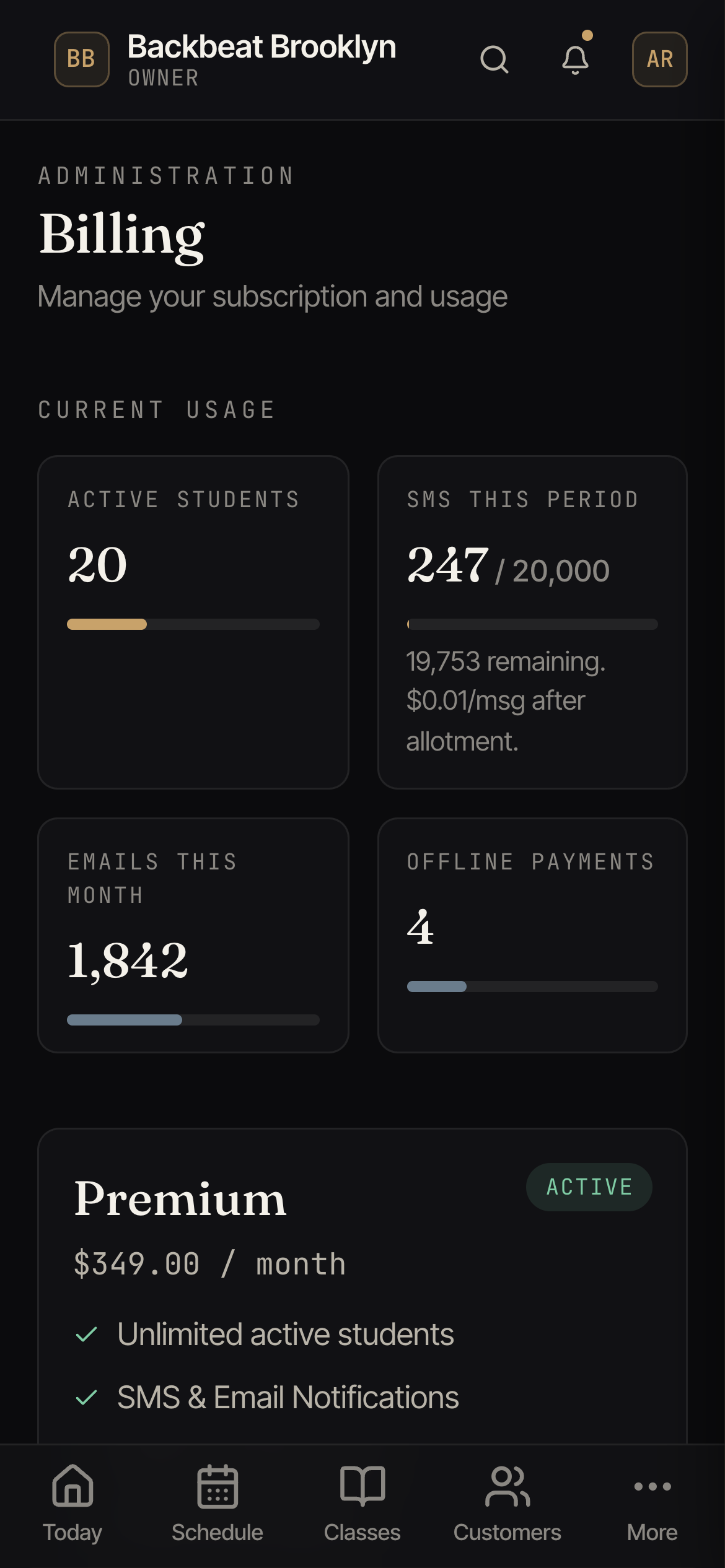
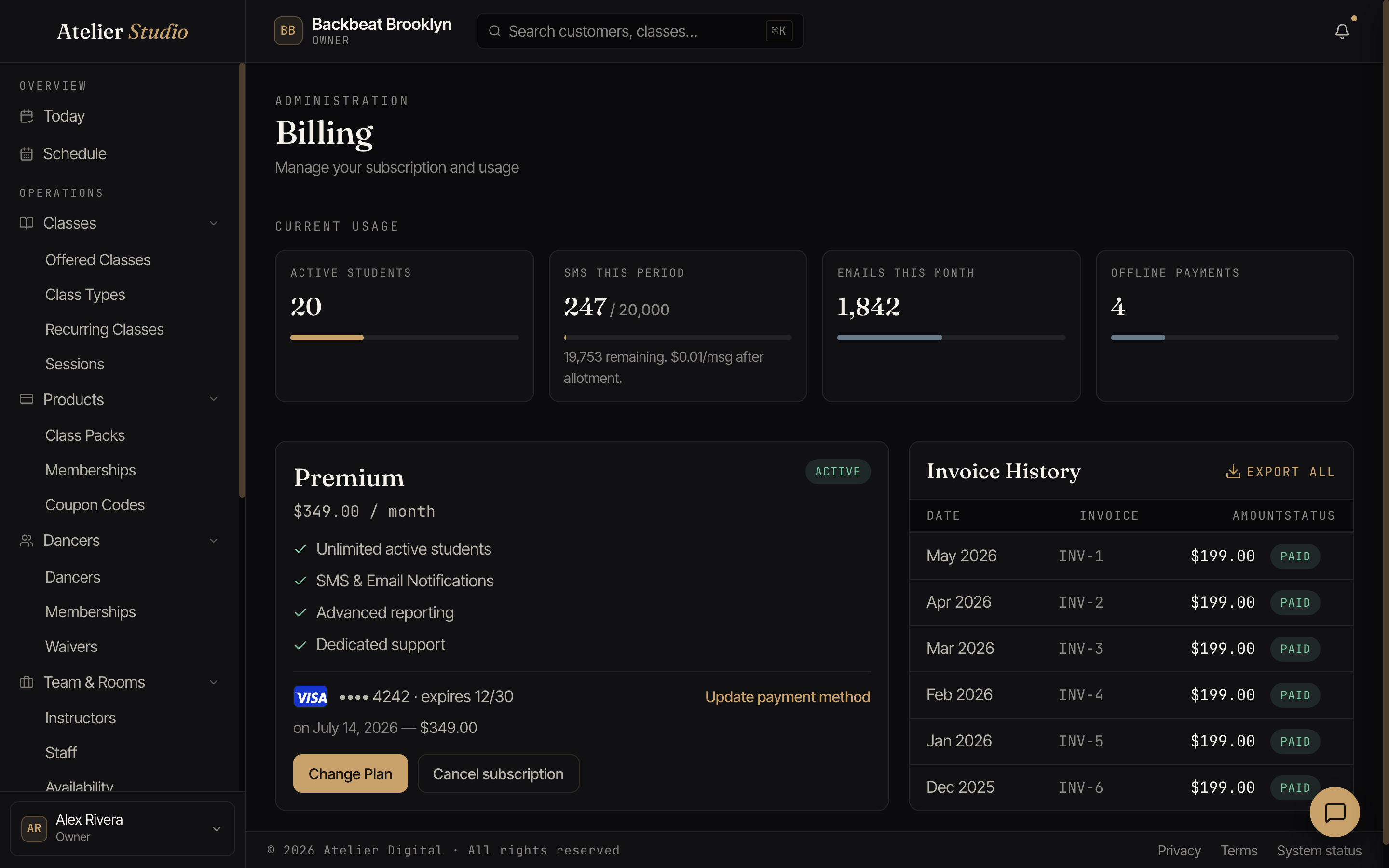
The cards at the top show how much you’re using this period (active students, texts and emails sent, and offline payments recorded) against what your plan includes.
Your plan
Below that is your current plan and what it includes, the card you pay with, and buttons to change plan or cancel. Select Update payment method to change your card.
Invoices
Invoice History lists every charge with its status, and Export downloads them, which is handy for your records or your accountant.