
For studios · Common Tasks
Rescheduling a class
Move a single class to a new time, or change a class that repeats every week.
Plans shift. There are two kinds of change, and they work a little differently: moving one class, or changing a class that repeats.
Moving a single class
Open the class from your schedule and select Edit Session.
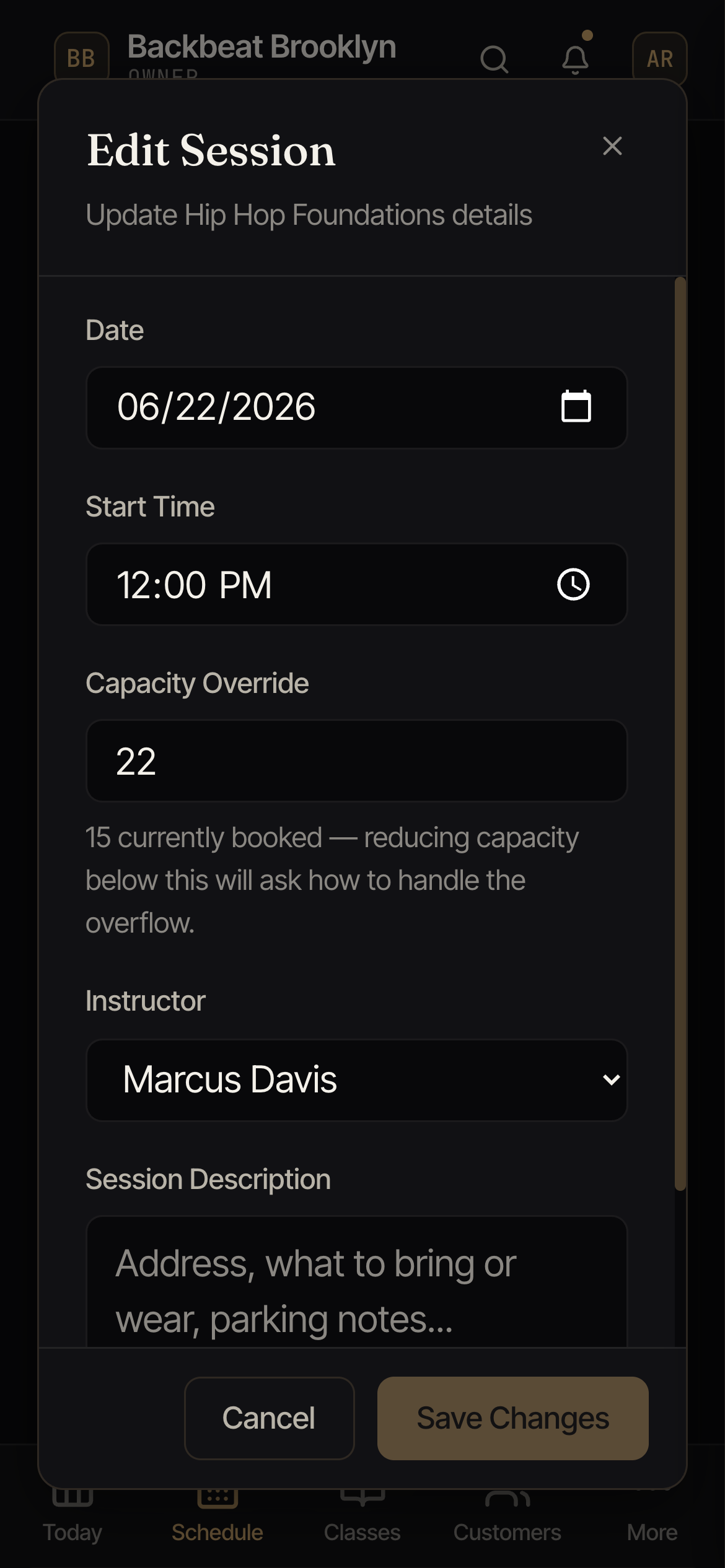
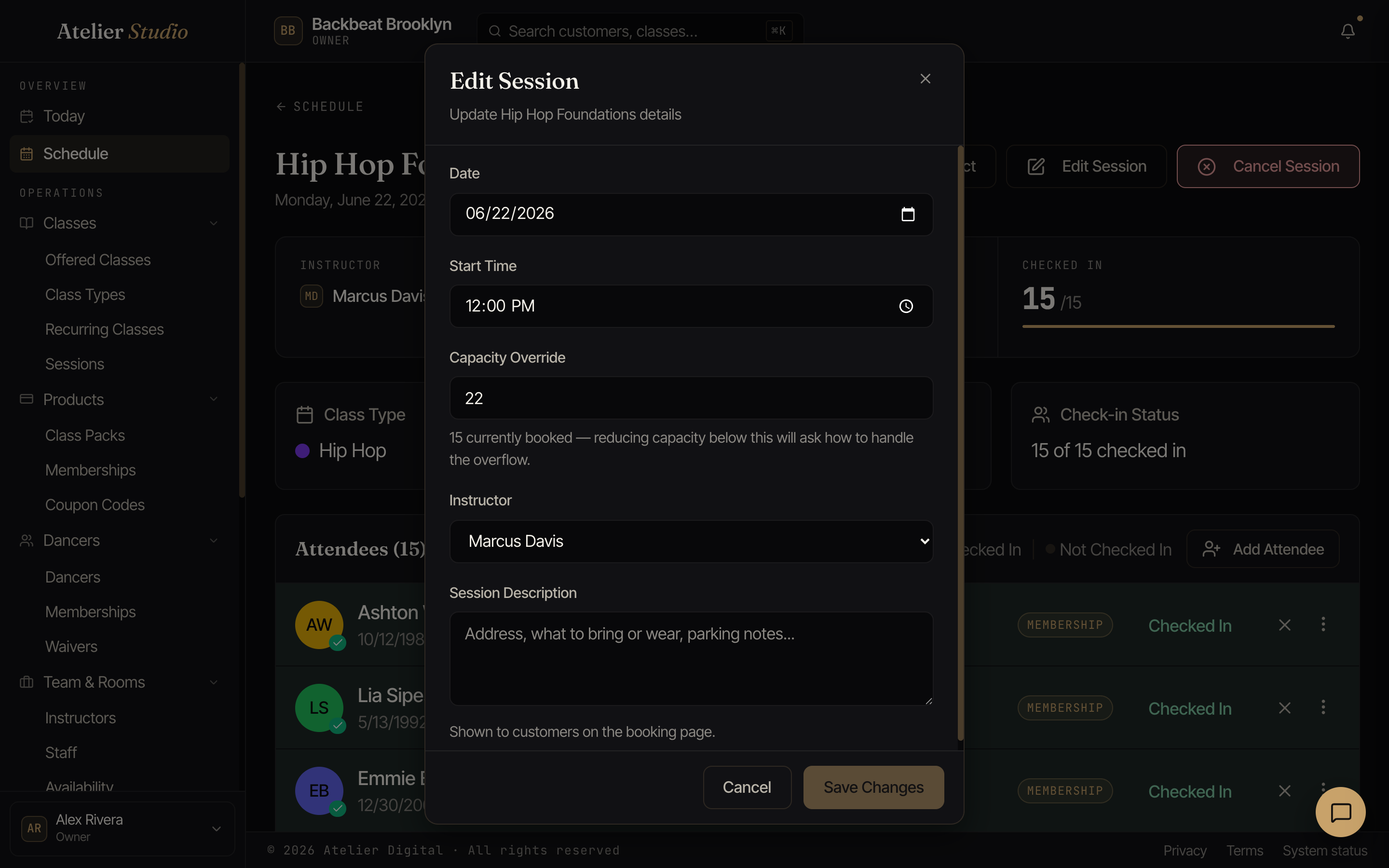
Change the date, start time, instructor, or capacity, then Save Changes. Anyone already booked is told about the change automatically.
Changing a class that repeats
If a class runs on a regular schedule, don’t edit each one. Change the recurring class instead (under Classes → Recurring Schedule). Your change applies to future classes; ones already on your calendar keep their own time, and past classes never change.