
For studios · Settings
Your booking page and widget
Put booking on your own website with the embeddable widget, and share it with a QR code.
Every studio gets a booking page, and you can also drop booking straight onto your own website. Open Settings → Website Widget.
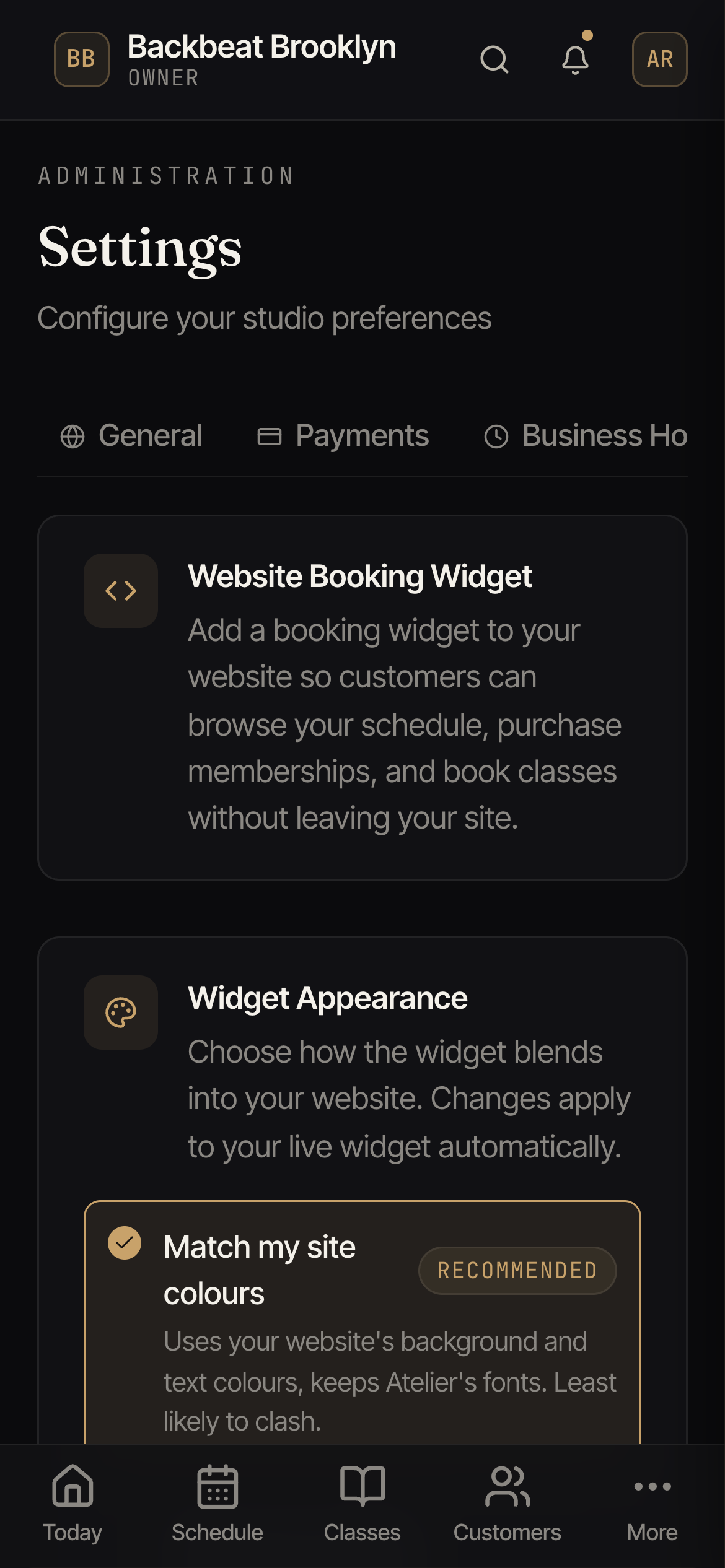
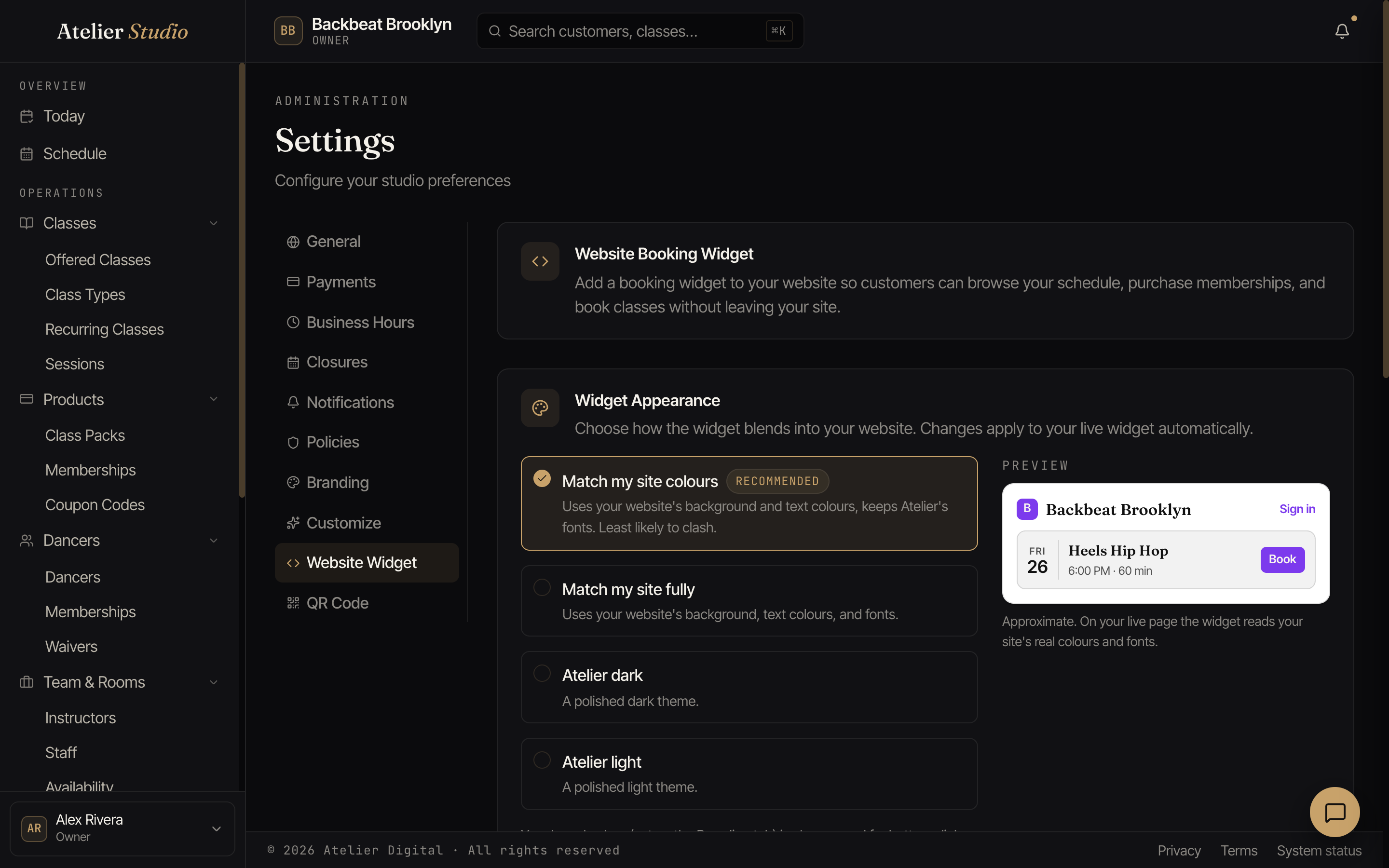
The widget
The booking widget lets clients browse your schedule, buy memberships, and book, all without leaving your website. Copy the snippet it gives you into your site.
Make it match your site
Choose how it looks: match your site’s colors, match it fully, or pick a ready dark or light theme. The preview shows the result as you choose.
QR code
The QR Code tab gives you a printable code that opens your booking page. It’s handy for a flyer, a poster at the front desk, or the studio window.