
For studios · Settings
Booking policies
Set your cancellation window, no-show handling, waitlist rules, Express Checkout window, and other booking policies.
Your policies decide what happens around bookings: when someone can cancel for a refund, what counts as a no-show, and how waitlists behave. Open Settings → Policies.
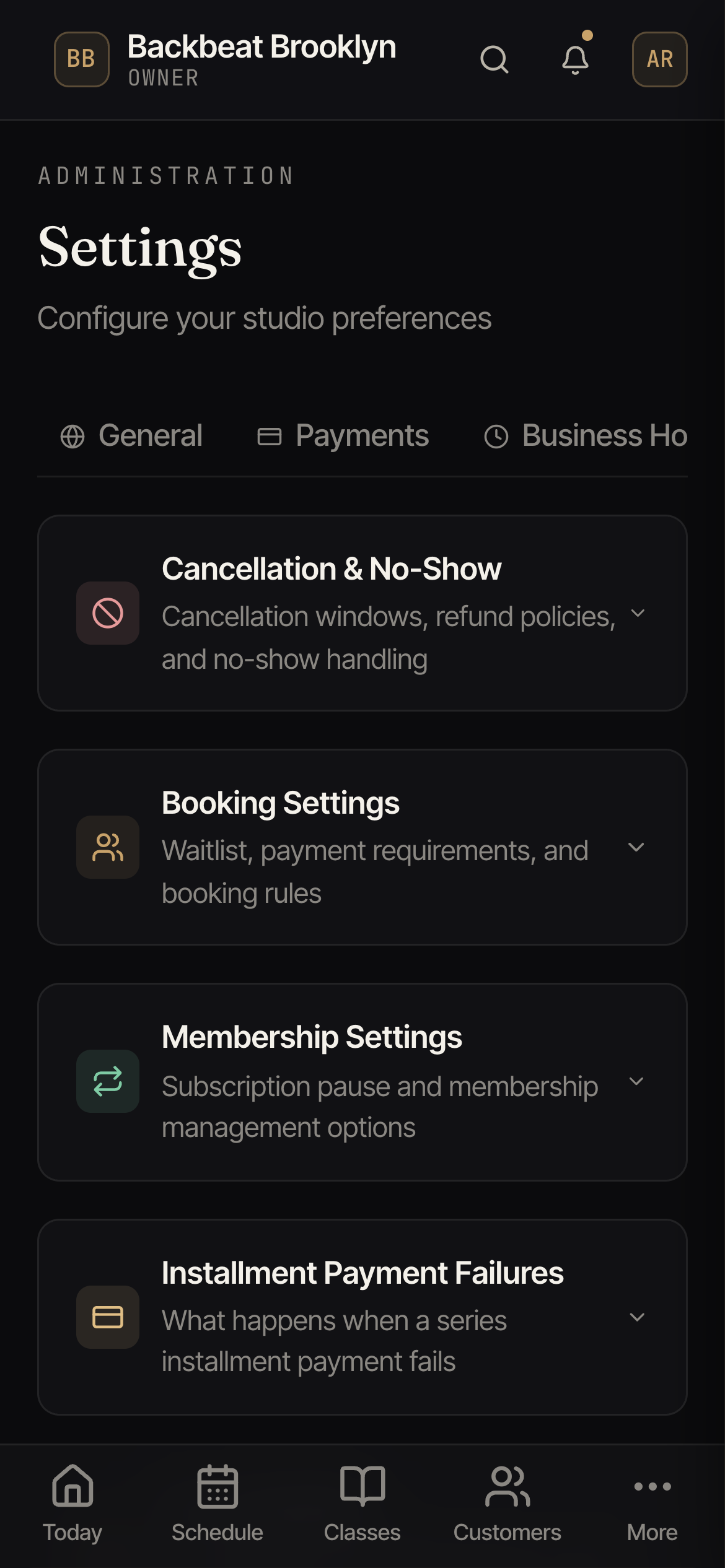
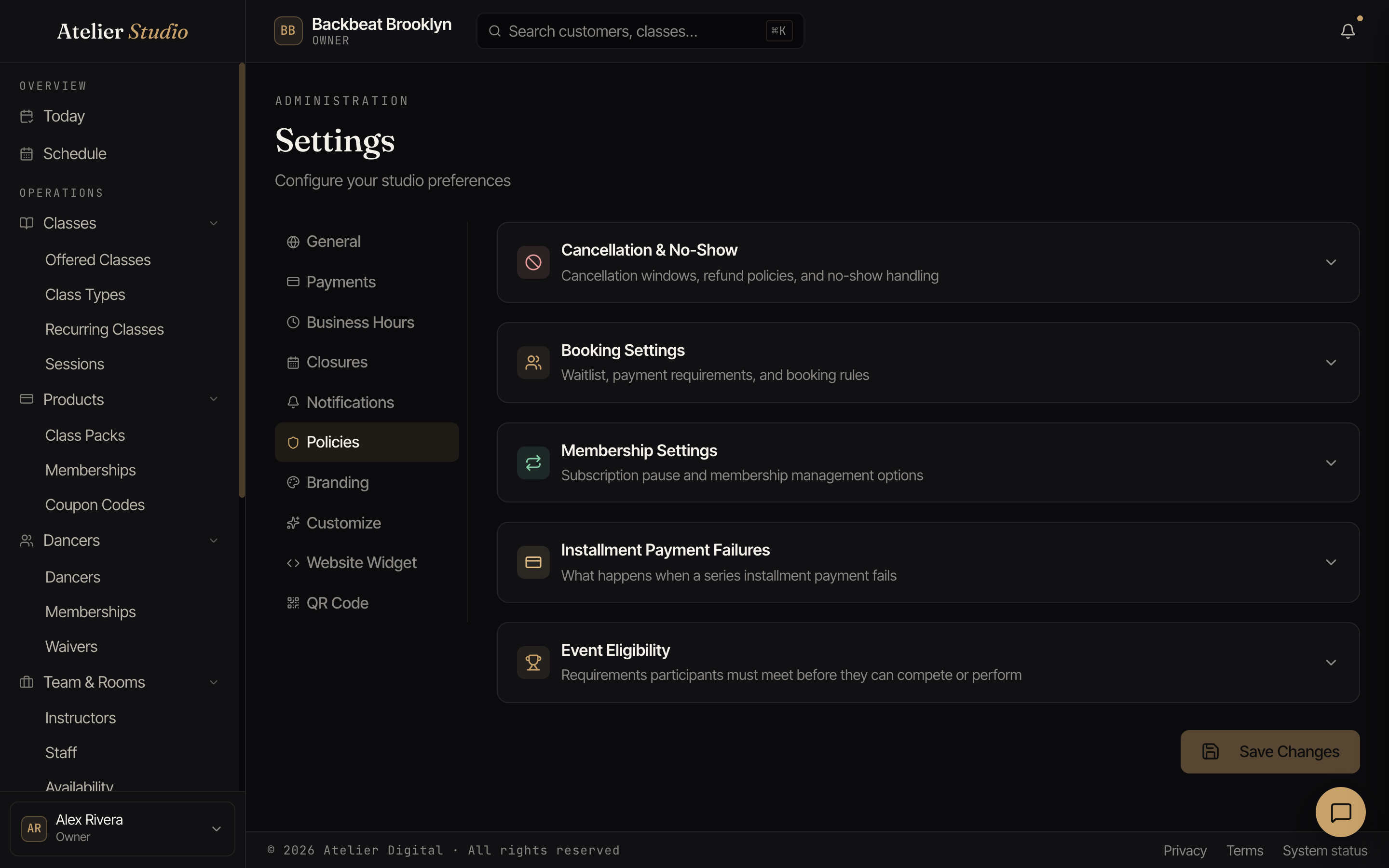
What you can set
Each section opens up to its own options:
- Cancellation & no-show: your cancellation window, whether a refund is automatic, and how no-shows are handled, including Automatically finalize no-shows (below). This is also where you choose whether to keep cancelled classes on the calendar: switch it on and a class you cancel stays on your schedule and on your public booking page, clearly marked Cancelled and never bookable. That’s handy when you’d rather clients see that a class was called off than wonder where it went. Off (the default) means a cancelled class simply disappears.
- Booking settings: waitlist behavior, your Express Checkout booking window, and other booking rules.
- Membership settings: Allow Membership Pause lets customers temporarily pause their own memberships from their Account page, with no need to message you first. Turn it off and only your staff can pause a membership. Customers can still resume one that’s already paused either way, so no one gets stuck waiting on you to unpause them.
- Auto-enrollment: the no-show pause threshold and grace period for auto-enrolled members.
- Installment payment failures and event eligibility: for studios using payment plans and events.
Make your changes and select Save Changes.
Automatically finalize no-shows
Under Cancellation & no-show, Automatically finalize no-shows is on by default. When a class ends, anyone who wasn’t checked in is finalized as a no-show once the grace period has passed (48 hours unless you change it), with any make-up credit and no-show streak your policies call for.
Turn it off if you take attendance later and would rather mark no-shows yourself. Unchecked bookings then stay Not checked in, with no make-up credit and no streak change, until you mark them from the class’s attendee list (see Bookings and check-in). The grace period field is greyed out while the switch is off, with a note saying why.
The Express Checkout booking window
Under Booking settings you control Express Checkout, the scan-to-book flow for walk-ins:
- Enable Express Checkout: turn the walk-in booking page on or off. It’s on by default.
- Allow customers to book: choose how late someone can still grab a class:
- Before the class ends: up to a set number of minutes before it finishes. Leave it at 0 minutes to allow booking right up until the class ends.
- After the class starts: up to a set number of minutes after it begins.
- End of the day: every one of that day’s classes stays bookable until midnight.