
For studios · Settings
Importing and exporting your data
Bring your existing data in from another system, and export your data whenever you need it.
Data Tools moves information in and out of Atelier Studio. It’s handy when you’re switching from another system, or when you want a copy of your own data. Open Data Tools.
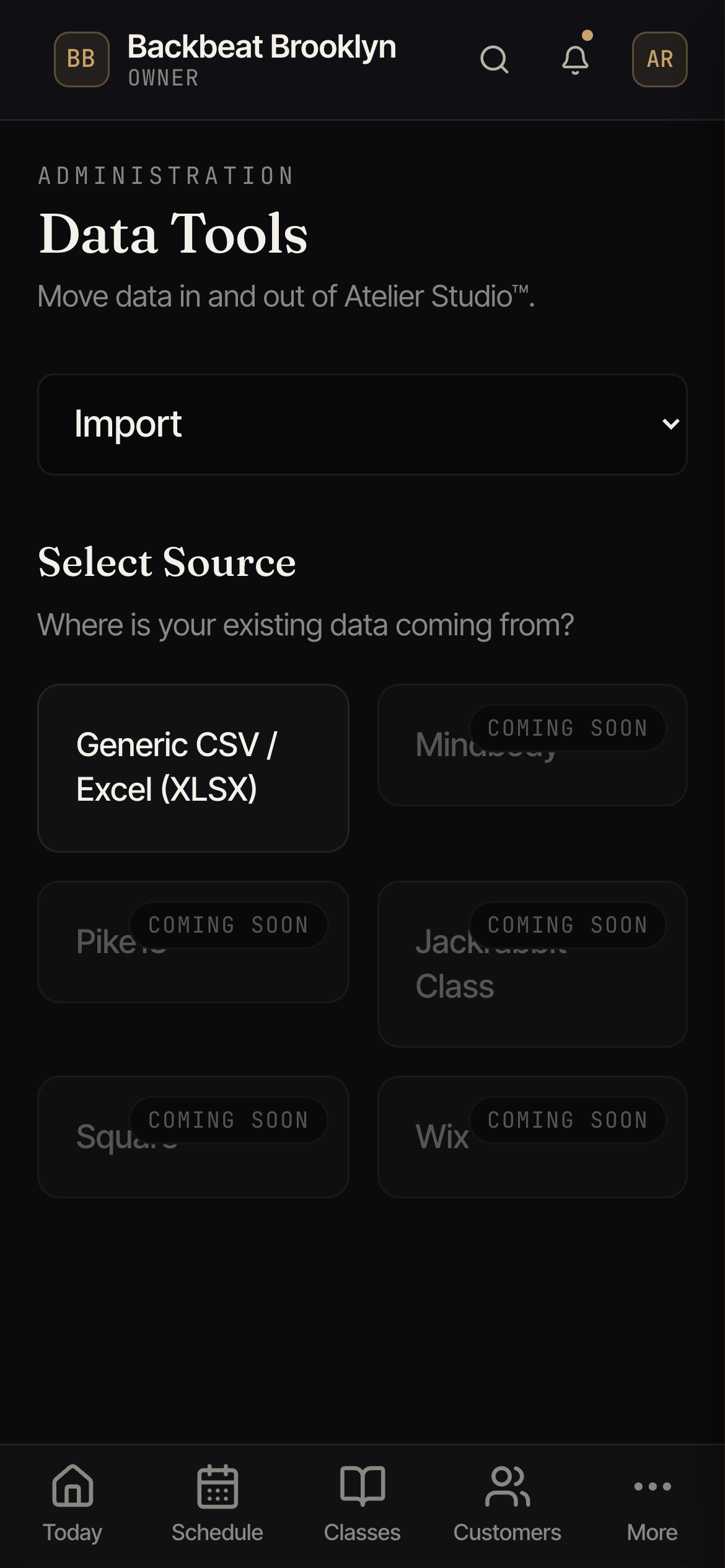
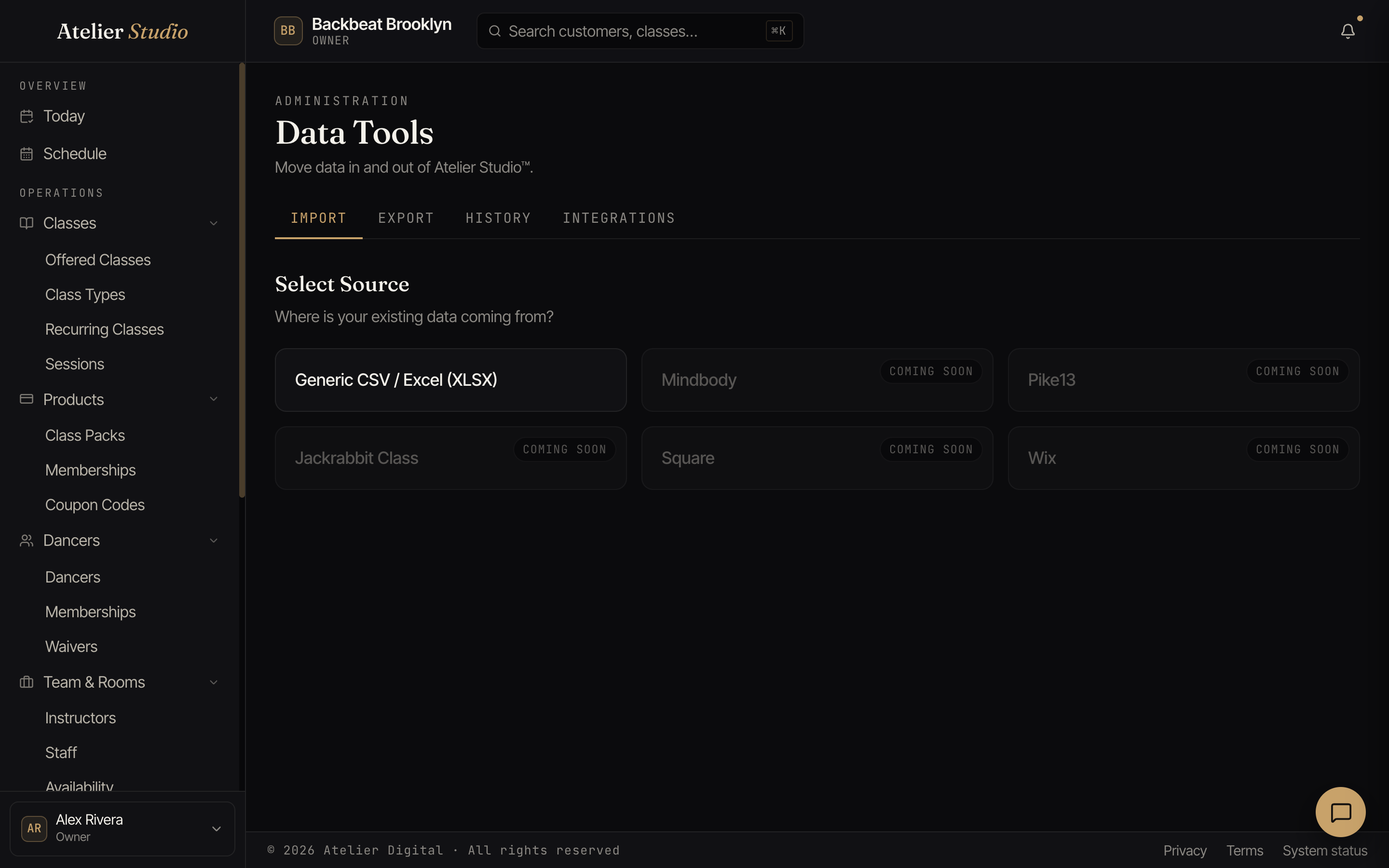
Importing
On the Import tab, choose where your existing data is coming from:
- Spreadsheet (CSV or Excel): download a template, drop in your file, and follow the steps to bring your customers and classes across.
- Mindbody: a full guided migration that brings your people, class packs, memberships, and history across, and lets you review exactly what goes live before anything is charged. See Moving your studio from Mindbody.
- Another booking system: search the list for yours. More one-click importers are on the way, marked coming soon.
Exporting and history
The Export tab downloads your data, and History shows past imports and exports so you can see what happened and when. On the Network plan, an Integrations tab also appears. It connects Atelier Studio to other tools, including outbound webhooks, which send your studio’s events to your own systems in real time.