
For studios · Settings
Studio details, hours, and closures
Set your studio's name, contact details, opening hours, and the days you're closed.
Your studio’s basics (what clients see on your booking page and in emails) live in Settings. Open Settings → General to start.
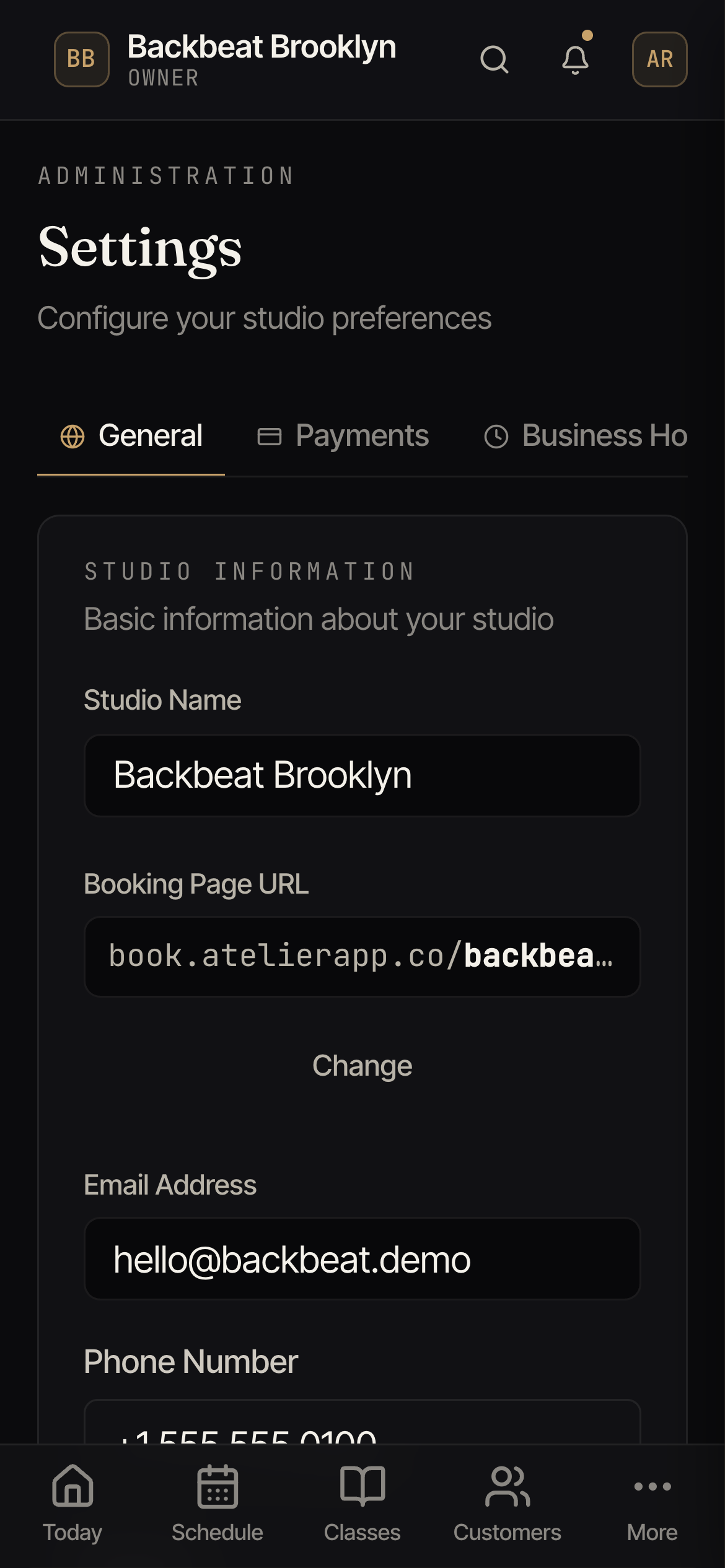
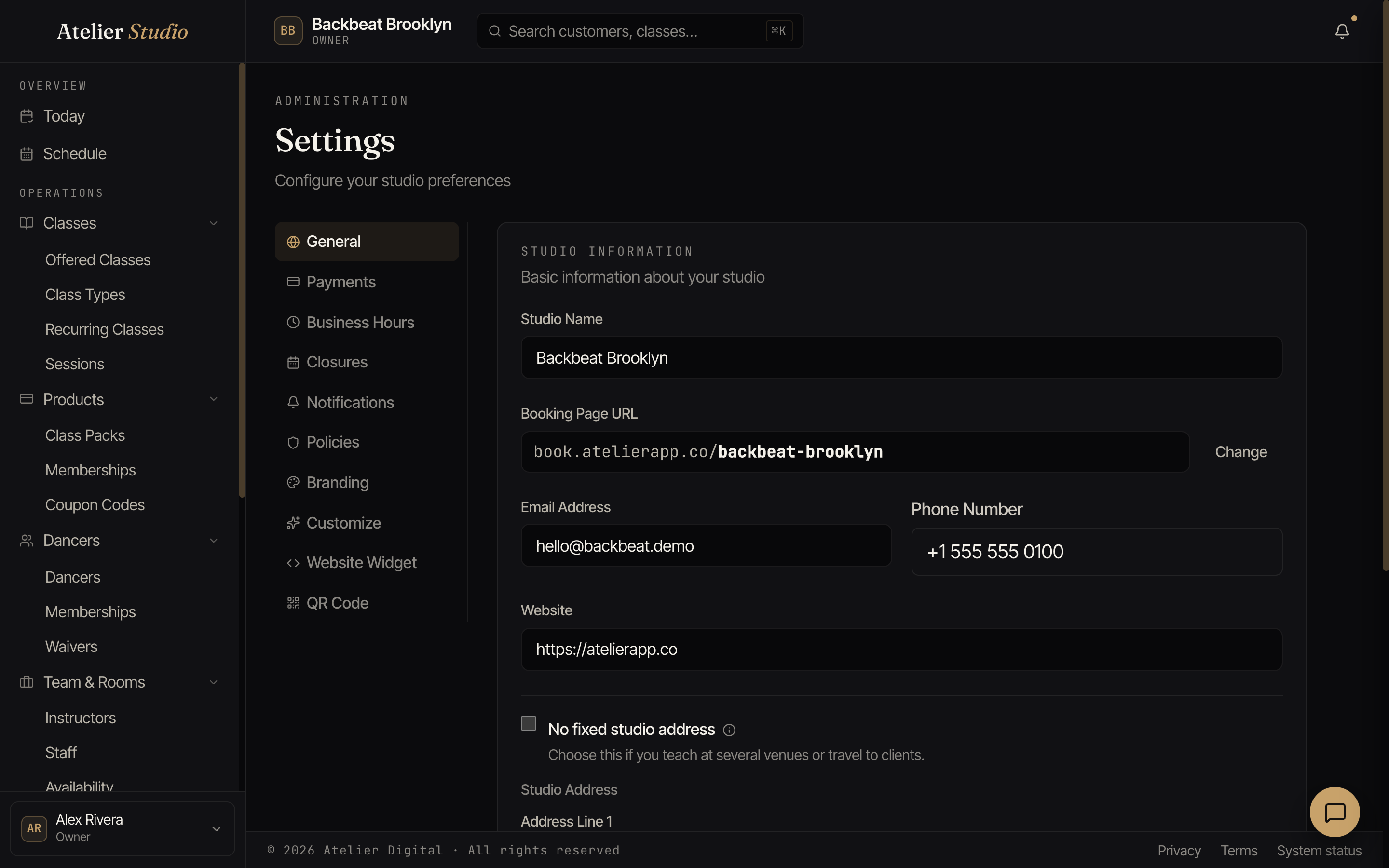
General details
Set your studio name, your public email and phone, your website, and your address. You can also set your booking page URL (the web address clients use to book). Select Change to pick a custom one.
Teach in different places, or travel to clients? Tick No fixed studio address.
Hours and closures
Two more tabs handle your calendar’s shape:
- Business Hours: the days and times you’re normally open. Recurring classes won’t be scheduled outside these.
- Closures: one-off closed days like holidays, so nothing’s scheduled then.