
For studios · Schedule & Bookings
Add a class to your calendar
Put a class on the schedule by choosing the class, the day and time, and who's teaching.
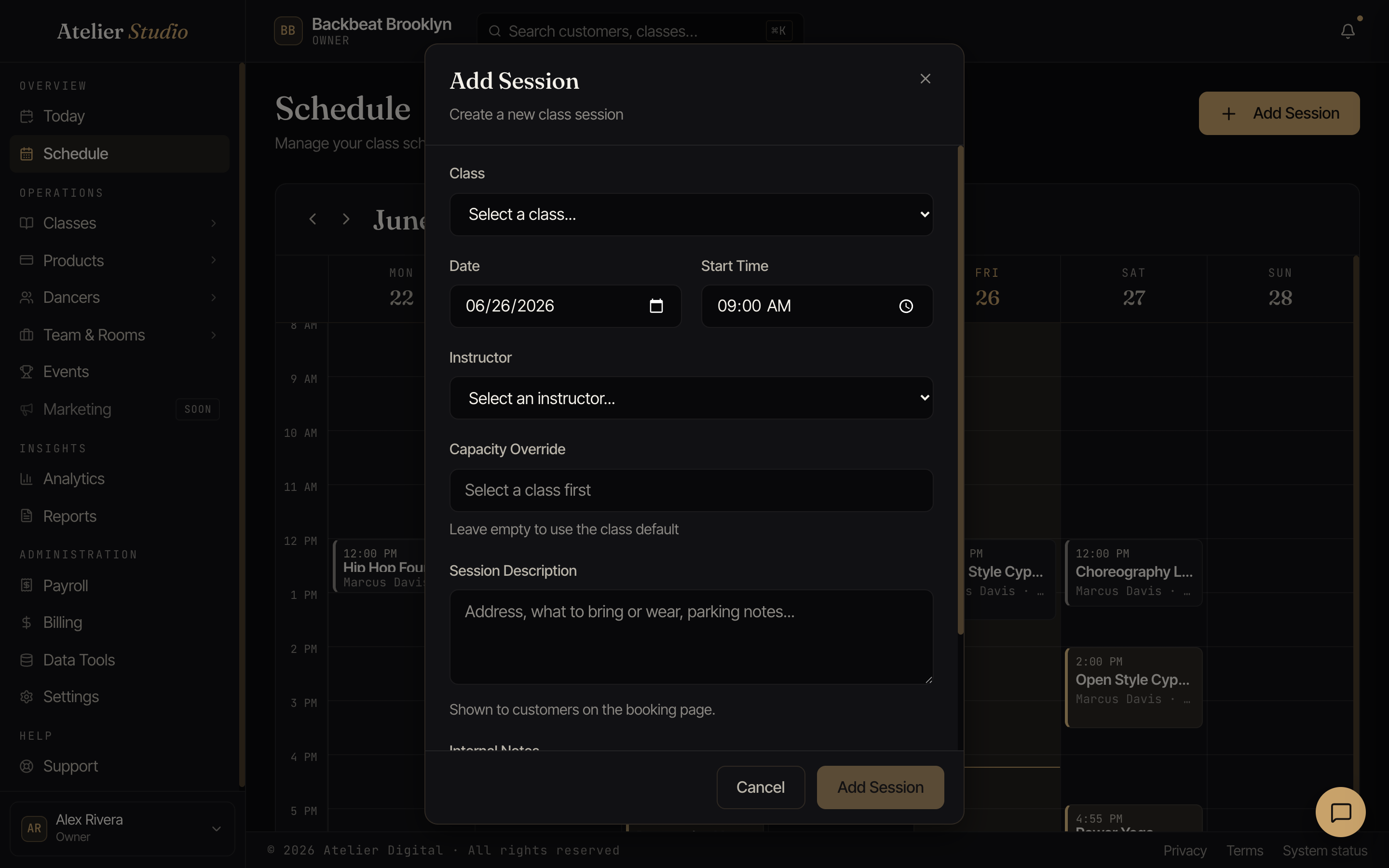
Adding a class to a day on your calendar takes about a minute. From the Schedule, select Add Session.
Fill it in
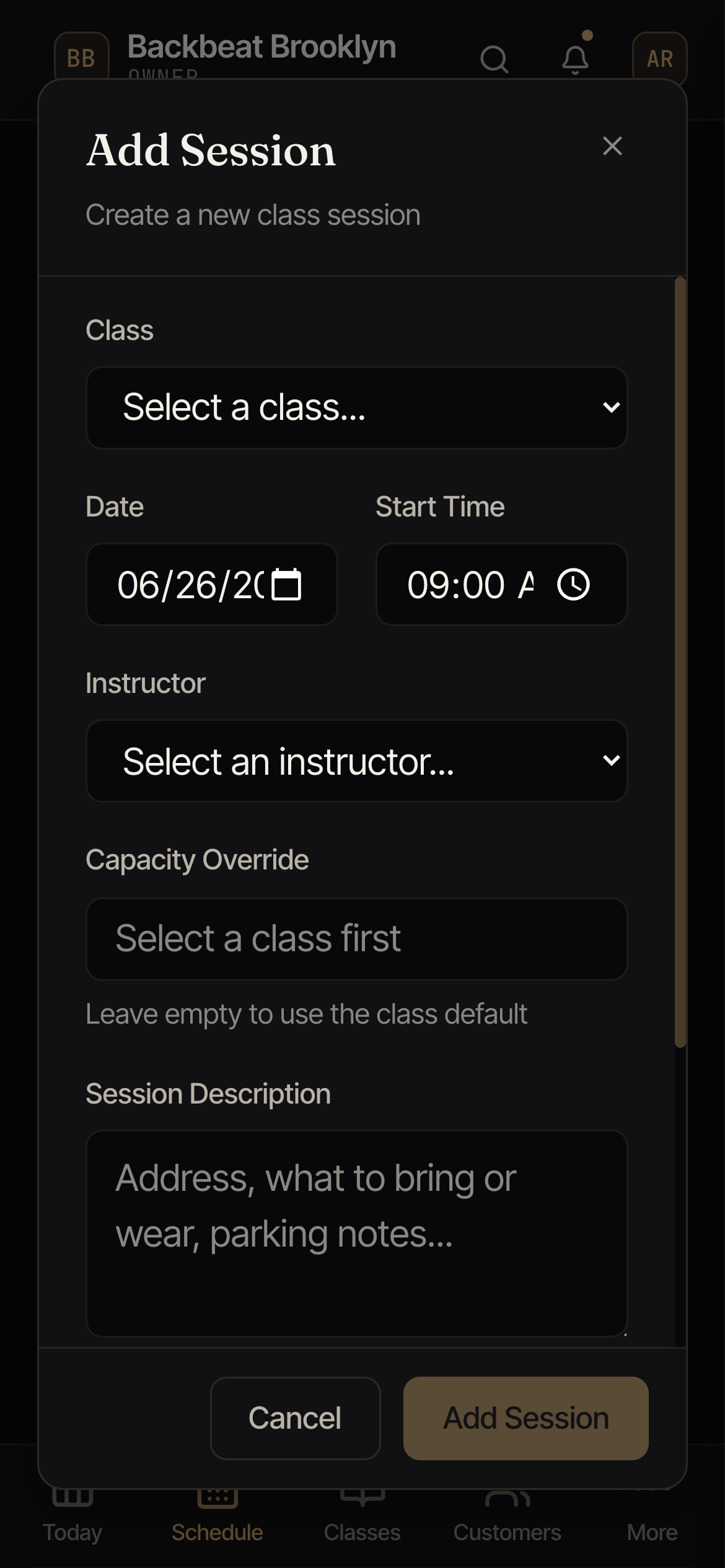
Work down the form:
- Class: pick from the classes you offer. (Haven’t set one up yet? Create it first in Your classes, then come back.)
- Date and Start Time: when it happens. The length comes from the class, so you don’t have to set it here.
- Instructor: who’s teaching this one.
- Capacity override: how many people can book. Leave it empty to use the class’s usual number, or set a different number just for this date.
- Session description: anything specific to this class on this day, like where to meet, what to bring or wear, parking notes. Your clients see this when they book.
Select Add Session and it appears on your calendar right away, ready for bookings.