
For studios · Payments & Payouts
Getting paid (connect payouts)
Connect your payout account so money from bookings and products lands in your bank.
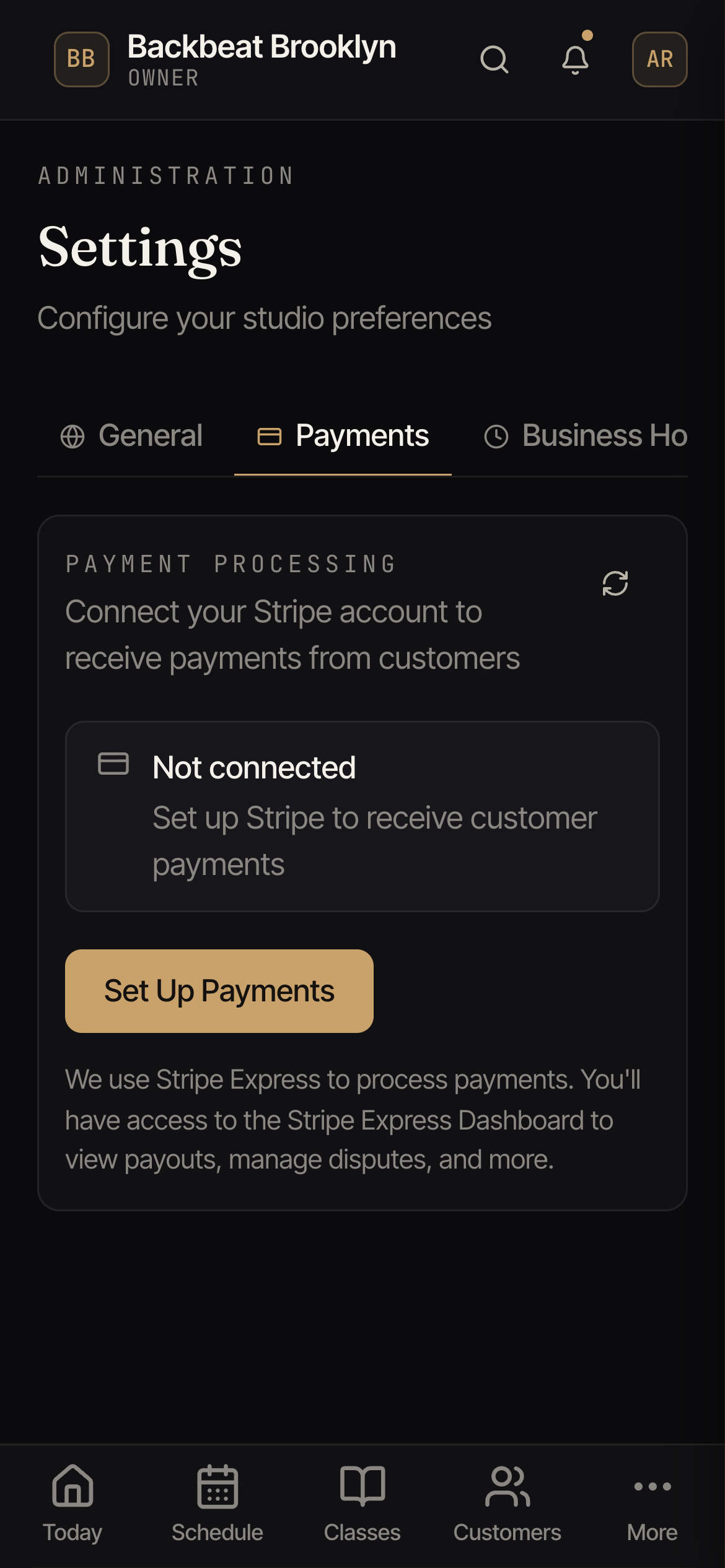
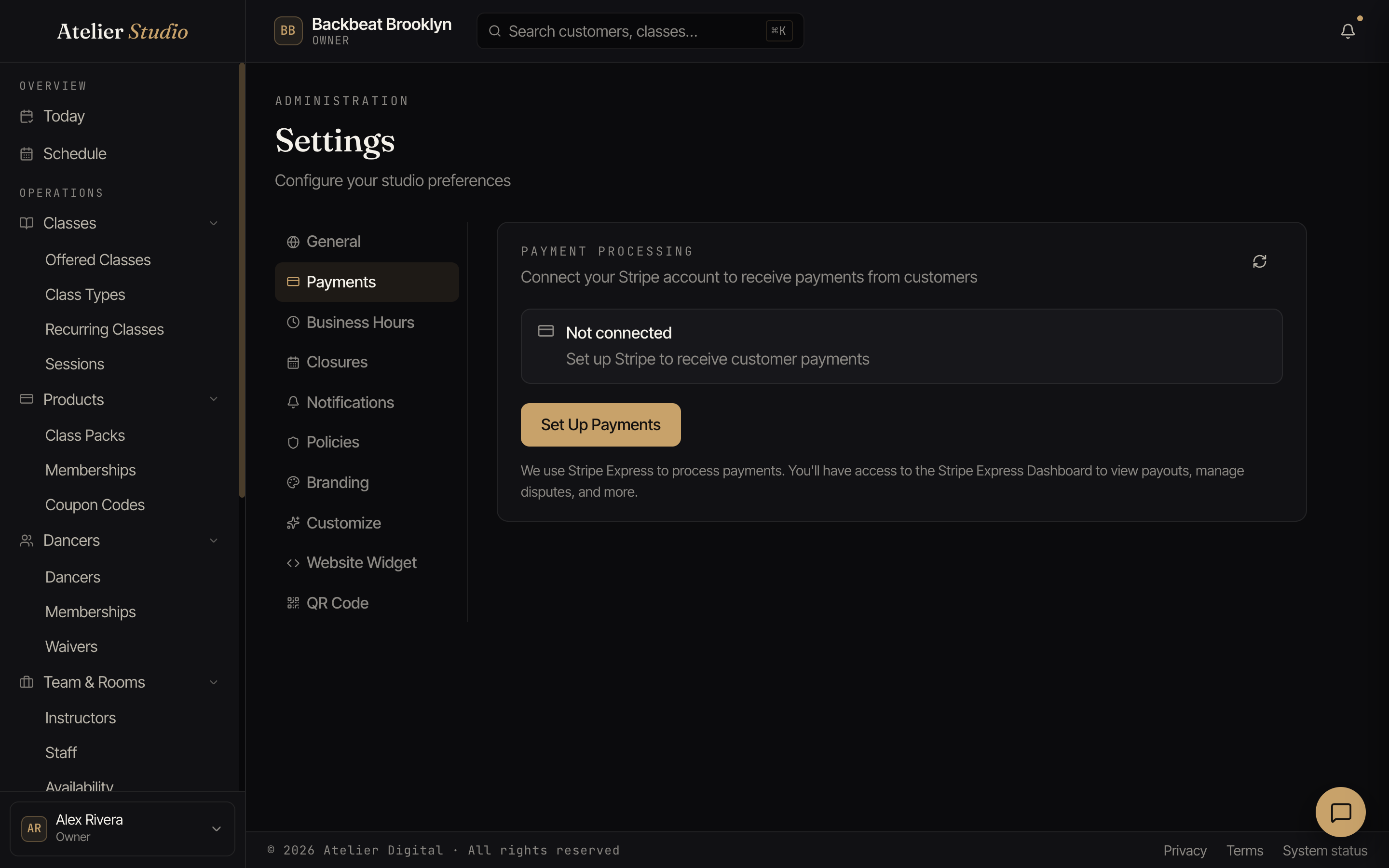
Before you can take money from clients, you connect a payout account. Atelier Studio handles payments through Stripe and pays them out to your bank. You do this once. Open Settings → Payments.
Setting it up
If it says Not connected, select Set Up Payments. You’ll be handed to Stripe to confirm your business details and bank account, then brought back. Most studios are approved on the spot.
Saving customer cards needs one more thing. Stripe must have card payments switched on for your studio, which is more than having sent your details. If Stripe is still reviewing your account, you cannot save cards yet, and the Add Card button stays hidden in Atelier Studio and Backstage. When Stripe finishes, the button appears. The Stripe dashboard shows what is still needed.
After that, money from bookings, memberships, and packs is collected and paid out to you automatically.
Your payouts dashboard
Atelier Studio uses Stripe Express, so you also get a Stripe Express Dashboard to see your payouts, answer disputes, and more.
You do not need to open Stripe to see your money, though. The Payouts tab in Billing shows your balance, when each payout arrives in your bank, and what is inside it. See Your payouts. If a customer asks their bank to take a payment back, see Disputed payments.