
For studios · Common Tasks
How auto-scheduling works
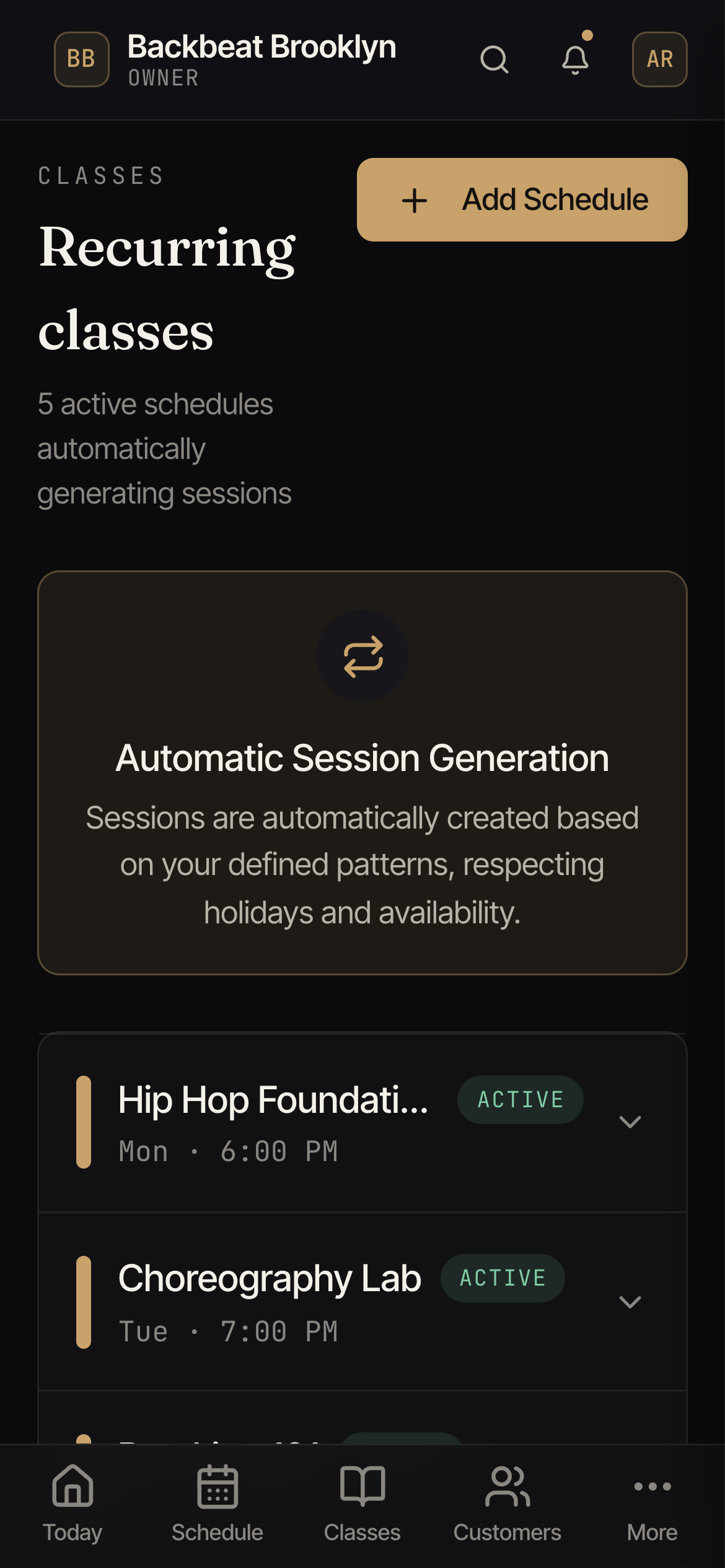
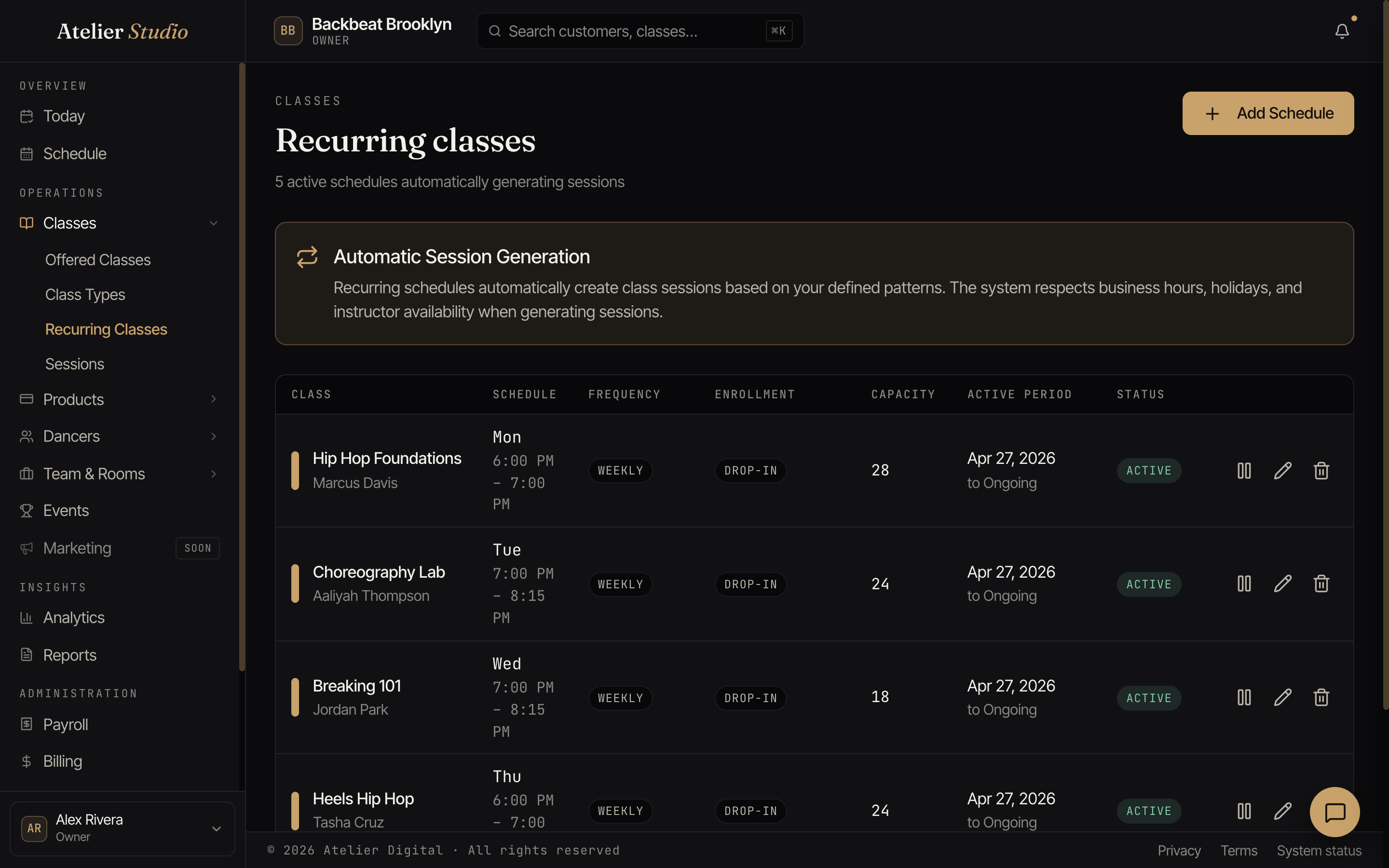
When you set a class to repeat, Atelier Studio fills your calendar for you. Here's what to expect.
When you set up a recurring class, you don’t add each week by hand. Atelier Studio keeps your calendar filled for you. Here’s how that works in plain terms.
A rolling few weeks ahead
Atelier Studio keeps about four weeks of upcoming classes on your calendar at any time, and tops it up automatically as the days pass. So you’ll always see roughly the next month filled in, and as this week becomes last week, a new week appears at the far end. You never run out, and you never add them one at a time.
It follows your pattern
It only creates classes that match the repeat you set (the days of the week, and whether it’s every week or every other week), and it stops at the end date you gave the schedule (or the end of a term).
It works around your studio
When you set the schedule up, Atelier Studio checks it against your business hours, your closures and holidays, and the instructor’s availability, so classes don’t get placed when you’re shut or a teacher is away.