
For studios · Settings
Branding
Put your logo, banner, and colors on your booking page and the emails clients receive.
Make your booking page and emails look like you, not like software. Open Settings → Branding.
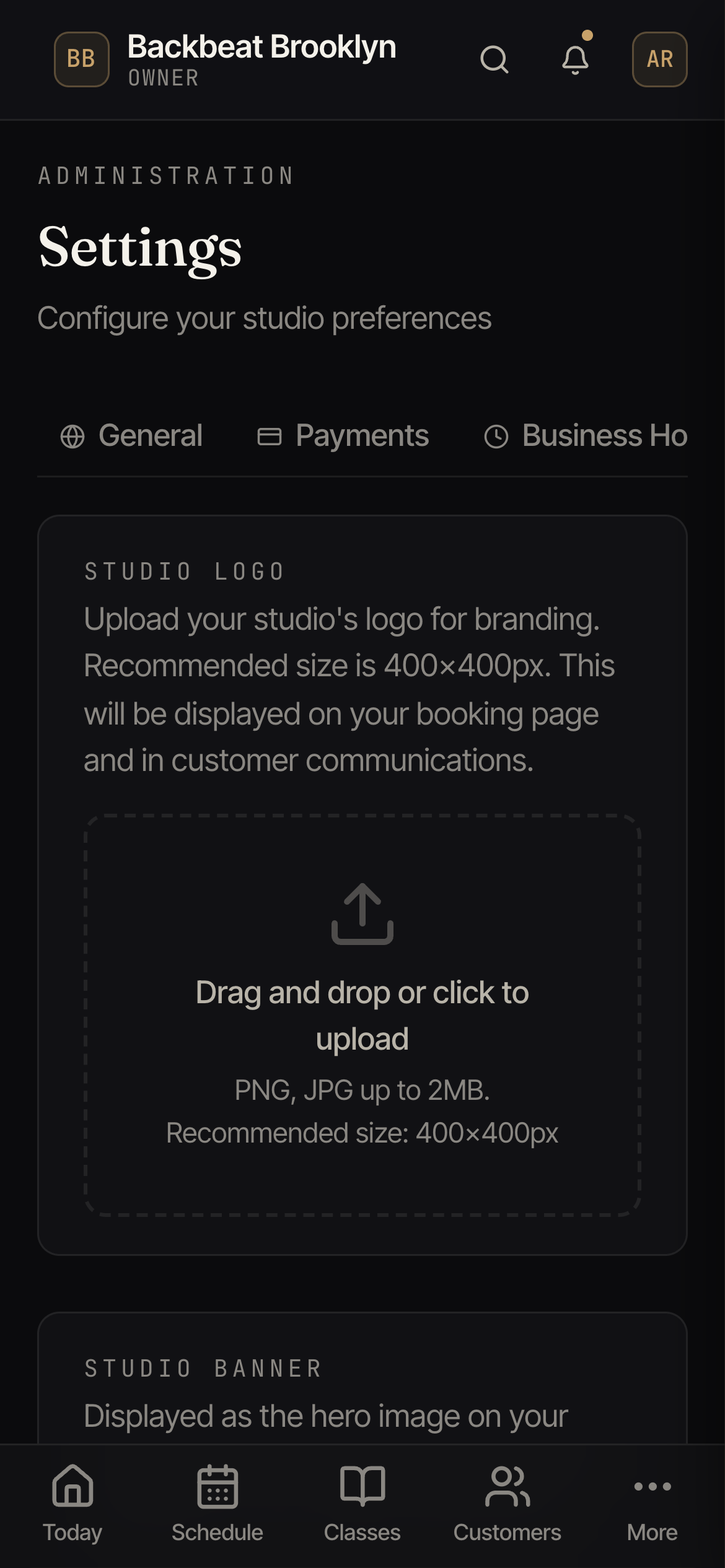
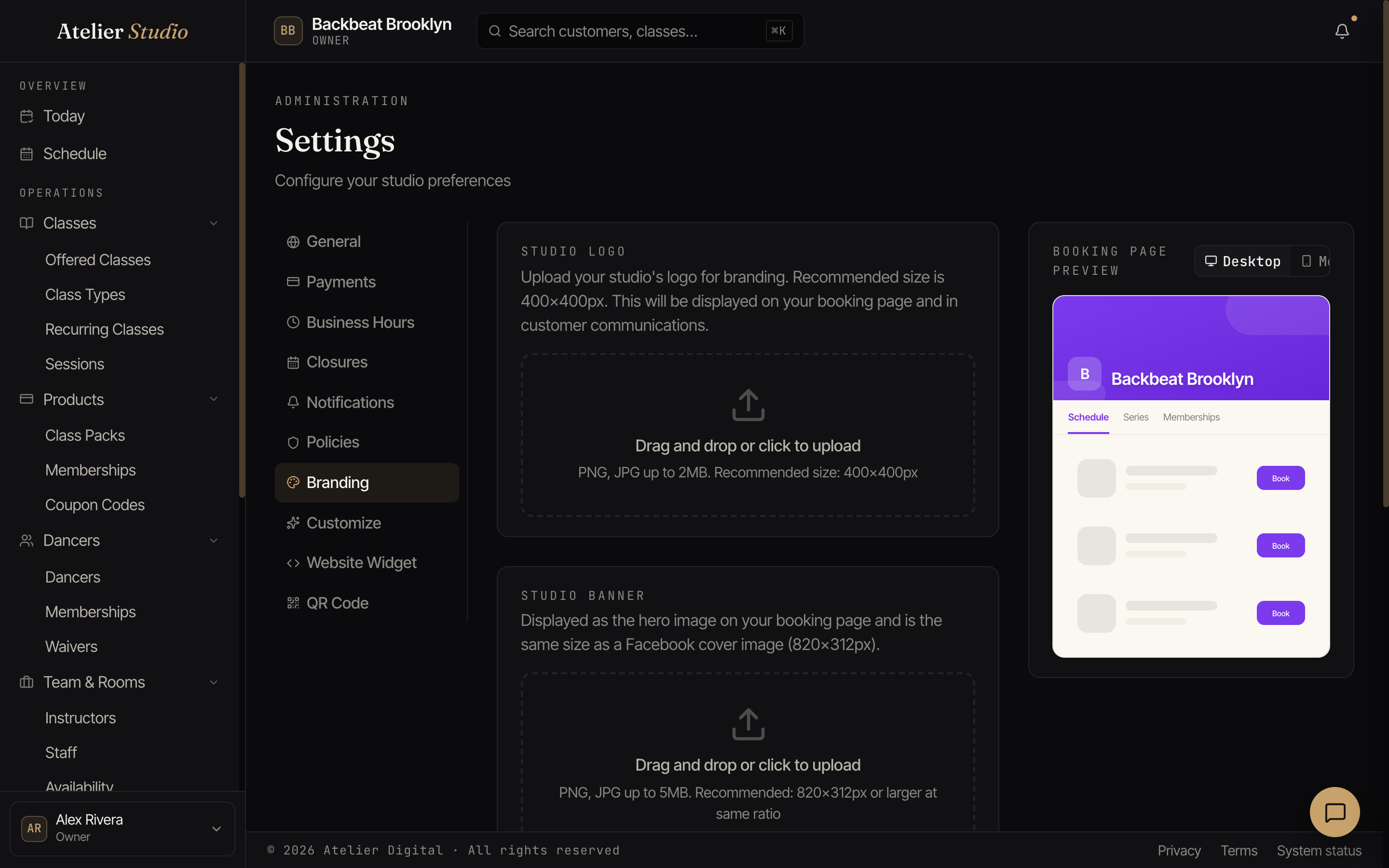
Logo and banner
Upload your logo (a square image around 400×400 works best) and a banner (the wide hero image across the top of your booking page). The preview on the right updates as you go, so you can see how it’ll look.
Where it shows
Your branding appears on your booking page and in the emails clients receive, so everything feels consistent.