
For studios · Classes
Class types and levels
Set up the styles you teach and the skill levels students progress through, so classes are easy to organize and place people in.
Class types are the styles you teach (Hip Hop, Breaking, Yoga, and so on), and levels are how advanced a class is, like Beginner or Intermediate. Tagging each class with a type and level keeps your classes organized and helps clients find the right one.
Open Classes → Class Types & Levels.
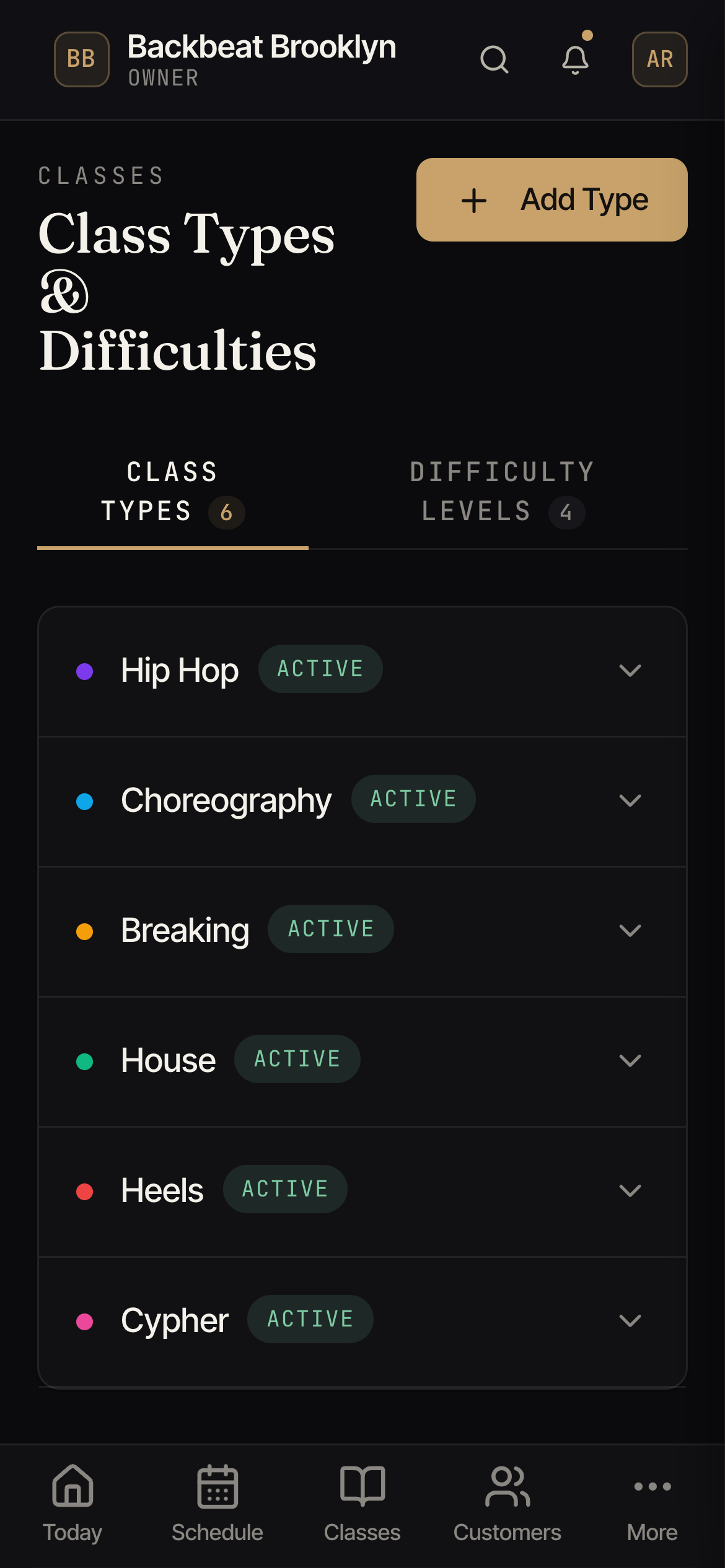
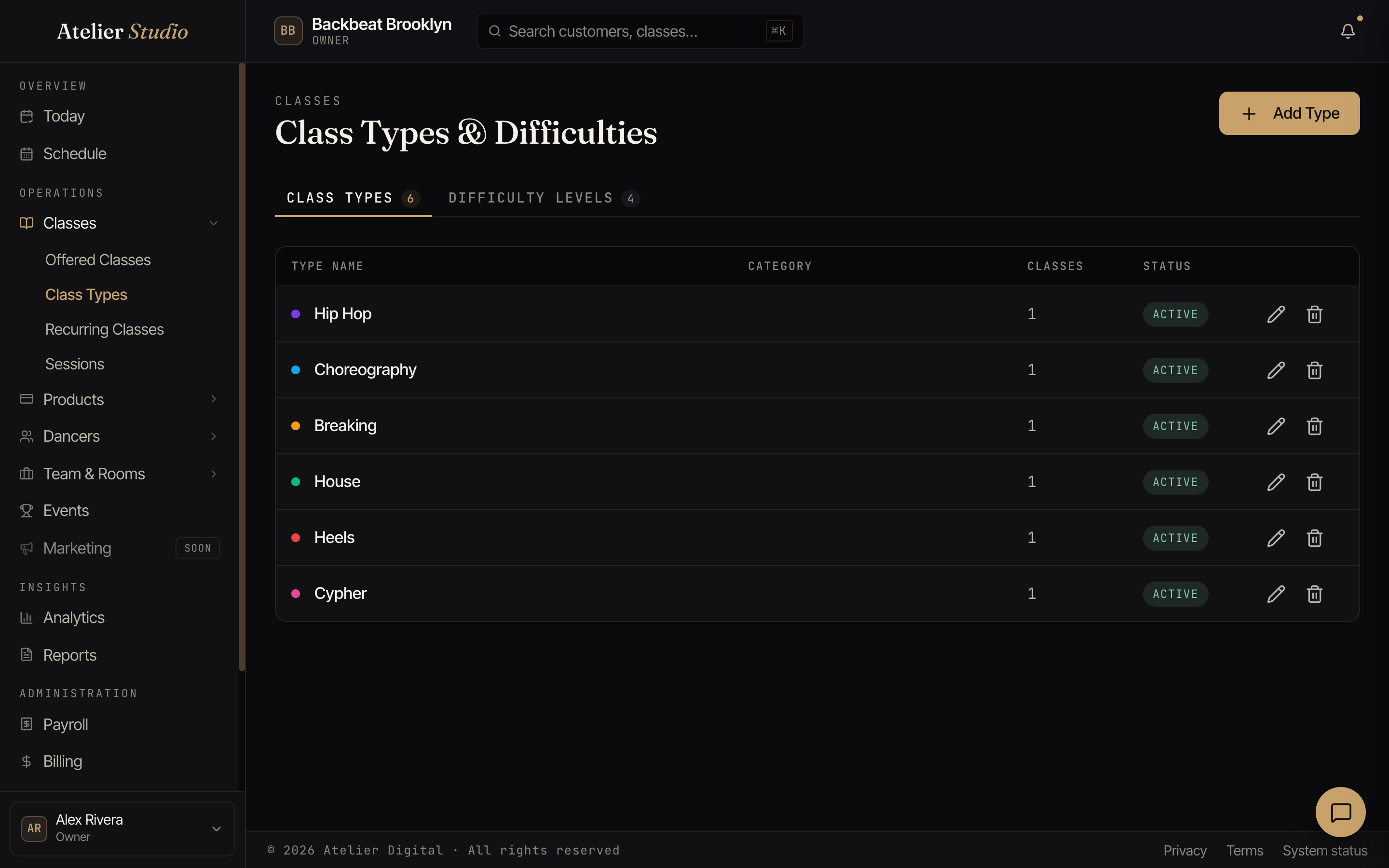
Two tabs
The tabs at the top switch between Class Types (the styles) and Skill Levels (how advanced a class is, and where each student sits). Each type shows how many classes currently use it.
Adding a type
Select Add Type, give it a name, and save. It’s then available to choose when you set up a class. Each type gets its own color so it’s easy to spot on your schedule.
A type also carries a few defaults that every class of that type inherits unless the class says otherwise:
- Charges the registration fee: whether booking a class of this type can bring in your studio’s registration fee, if you charge one. Switch it off for types like adult drop-ins that shouldn’t. A new type starts with the choice you set under New class types in Financial Controls, and the editor tells you how many of its classes are set differently. Only the owner and staff who manage customer billing can change it.
- Eligible for Encore seat-filling: whether Encore may email past attendees to fill empty seats in classes of this type. Switch it off for open gym, practice time, or anything nobody should be nudged to “come fill a seat” in. A single class can override this either way.
Skill levels
The Skill Levels tab is where you set up how advanced your classes are. There are two ways to do it, and you can mix them:
- General levels: a simple list like Beginner, Intermediate, and Advanced. Add a level under General levels and it’s ready to tag on a class. Perfect if you just need a difficulty label.
- Named systems: a full graded ladder for a discipline, like Suzuki for strings or RCM for piano. Adopt a ready-made system or build your own, then attach it to a discipline. More specific disciplines inherit a broader one unless you give them their own, so a system on “Keyboards” covers Piano automatically.
A class’s level does double duty: it’s the label clients see when browsing, and (if you turn on the skill-level gate for that class) the level a student needs to book it.
A student’s level can change by hand from their profile, or through an assessment, a jury where a panel scores them against a rubric and promotes them.