
For studios · Team & Rooms
Rooms and spaces
Set up your rooms so two classes never end up booked into the same space at once.
Adding your rooms (and other spaces) lets Atelier Studio keep two classes from landing in the same place at the same time, and gives each space a capacity.
Open Team & Rooms → Studios (your rooms and resources).
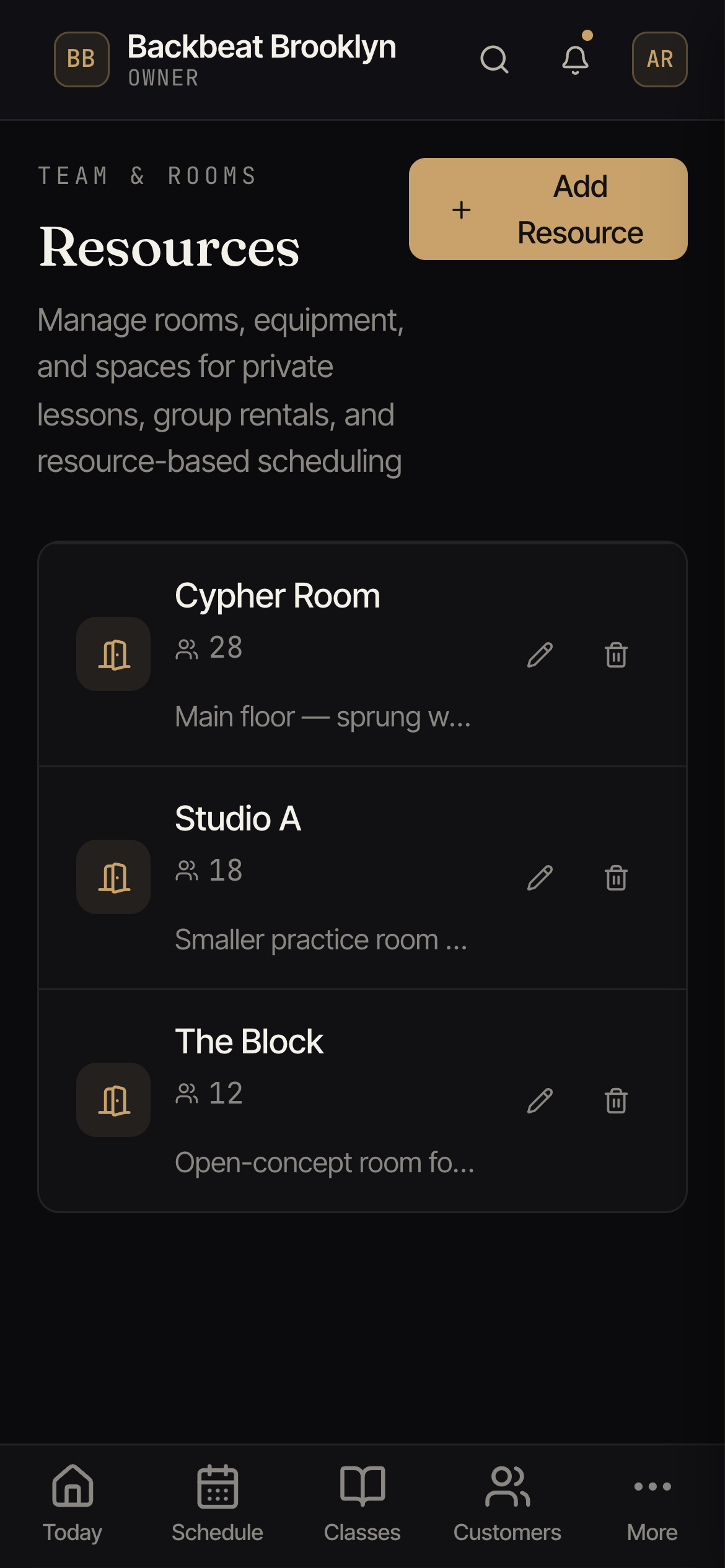
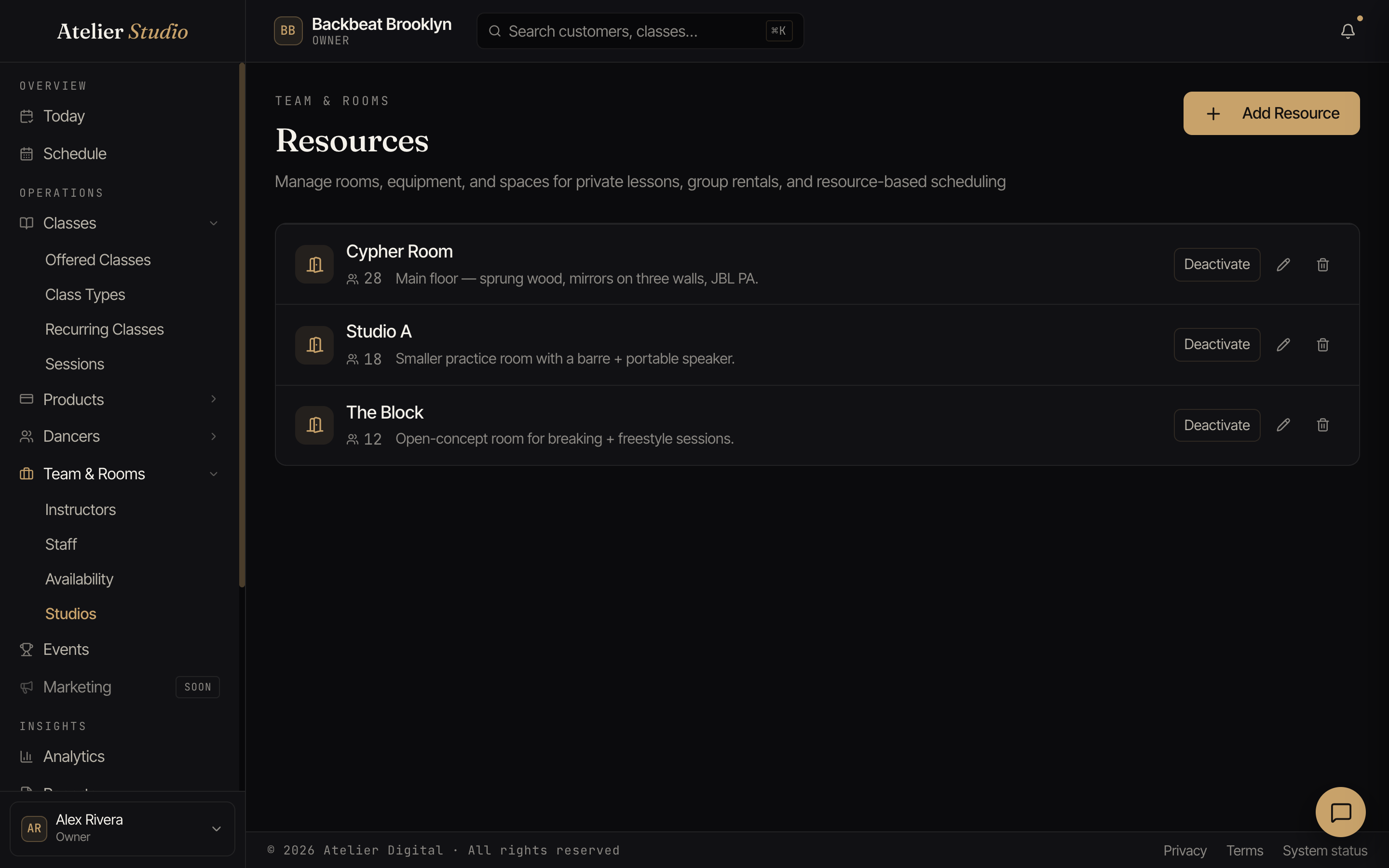
Adding a room
Select Add Resource, give the room a name, its capacity (how many people fit), and a short description (the surface, the sound system, anything useful).
Why it matters
When a room is set on a class, Atelier Studio treats that space as booked for that time, so it won’t let another class be scheduled there at once. It also means you can run different classes in different rooms at the same time without clashes.