
For studios · Settings
Customizing features and terminology
Turn features on or off and rename things to match how your studio talks.
Atelier Studio bends to fit your studio. Under Settings → Customize you choose which features you use and what they’re called.
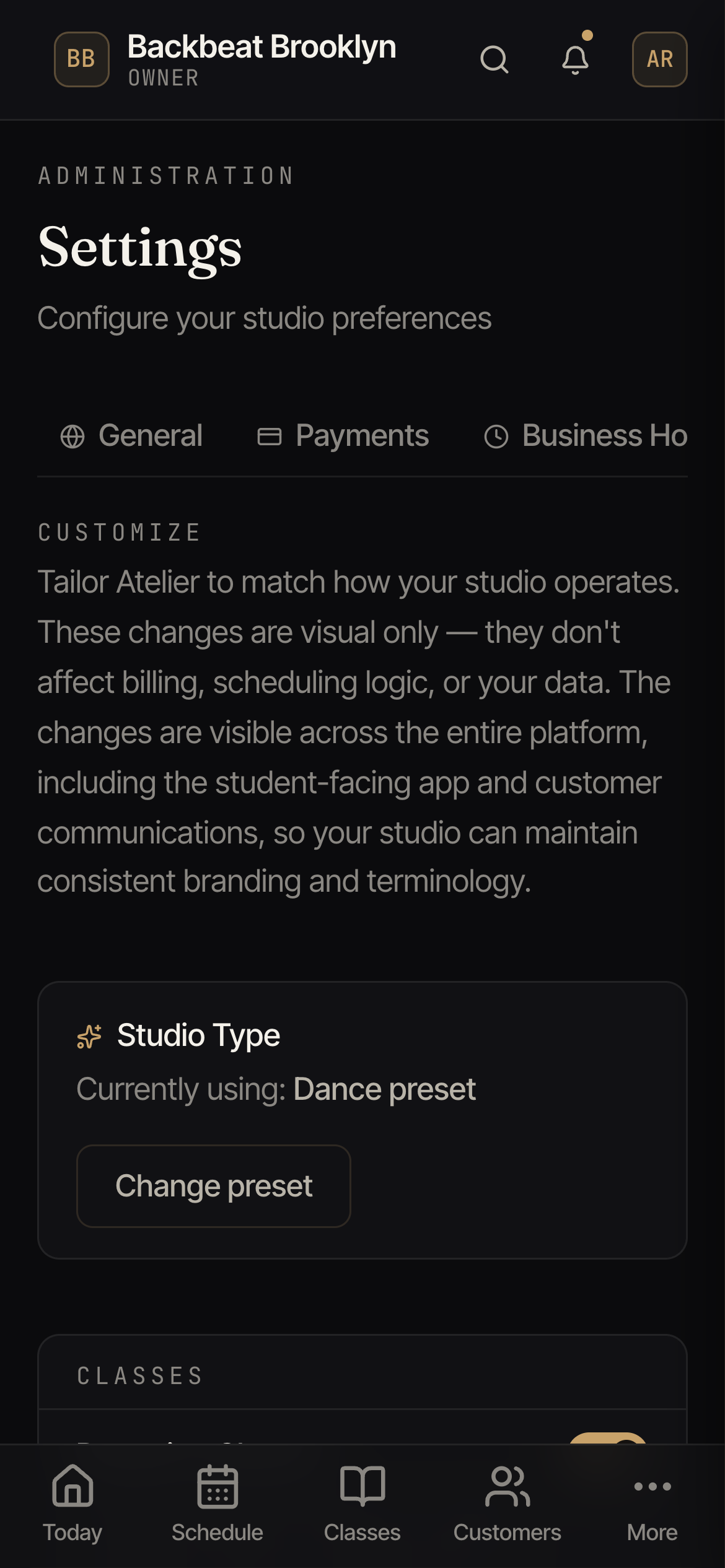
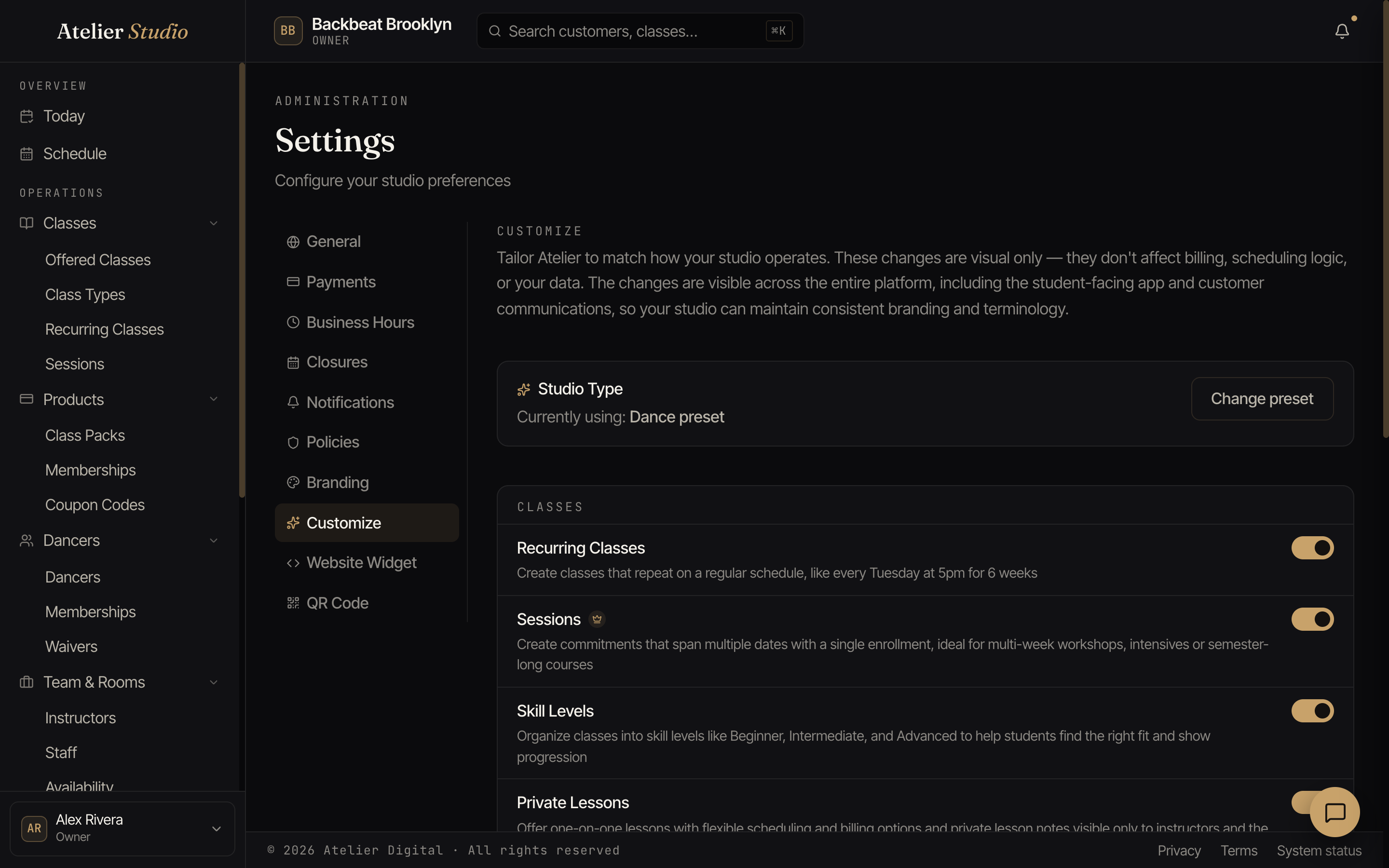
Turning features on or off
Toggles let you switch features on or off, things like Recurring Schedule, class packs, skill levels, assessments, practice logs, or private lessons. Switching one off simply hides it, so your menus only show what you actually use. A few features also depend on your plan. Assessments and practice logs, for example, come with the Academy plan.
Your studio’s words
A studio type preset (like Dance) sets sensible default wording, so people are “dancers”, a class is a “class”, and so on. This is why your screens might say Dancers where these guides say “customers”: it’s just your label, and it carries through the whole app and your client-facing messages.