
For customers · Your Account & Passes
Payment methods
Add, change, or remove the cards you use to pay for classes and passes.
Save a card once and booking becomes a single tap. Your card details are held securely by our payment processor, Stripe, and never by the studio.
Add a card
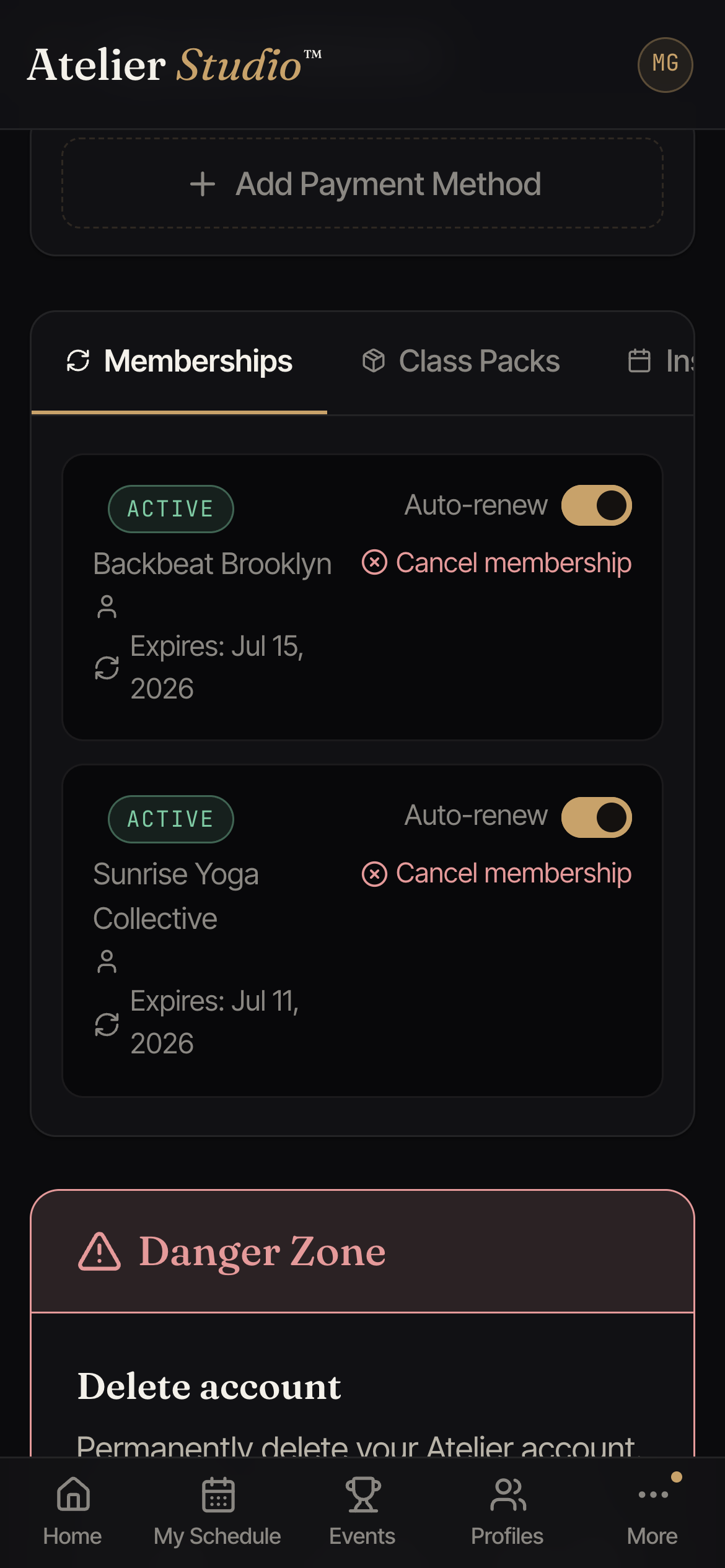
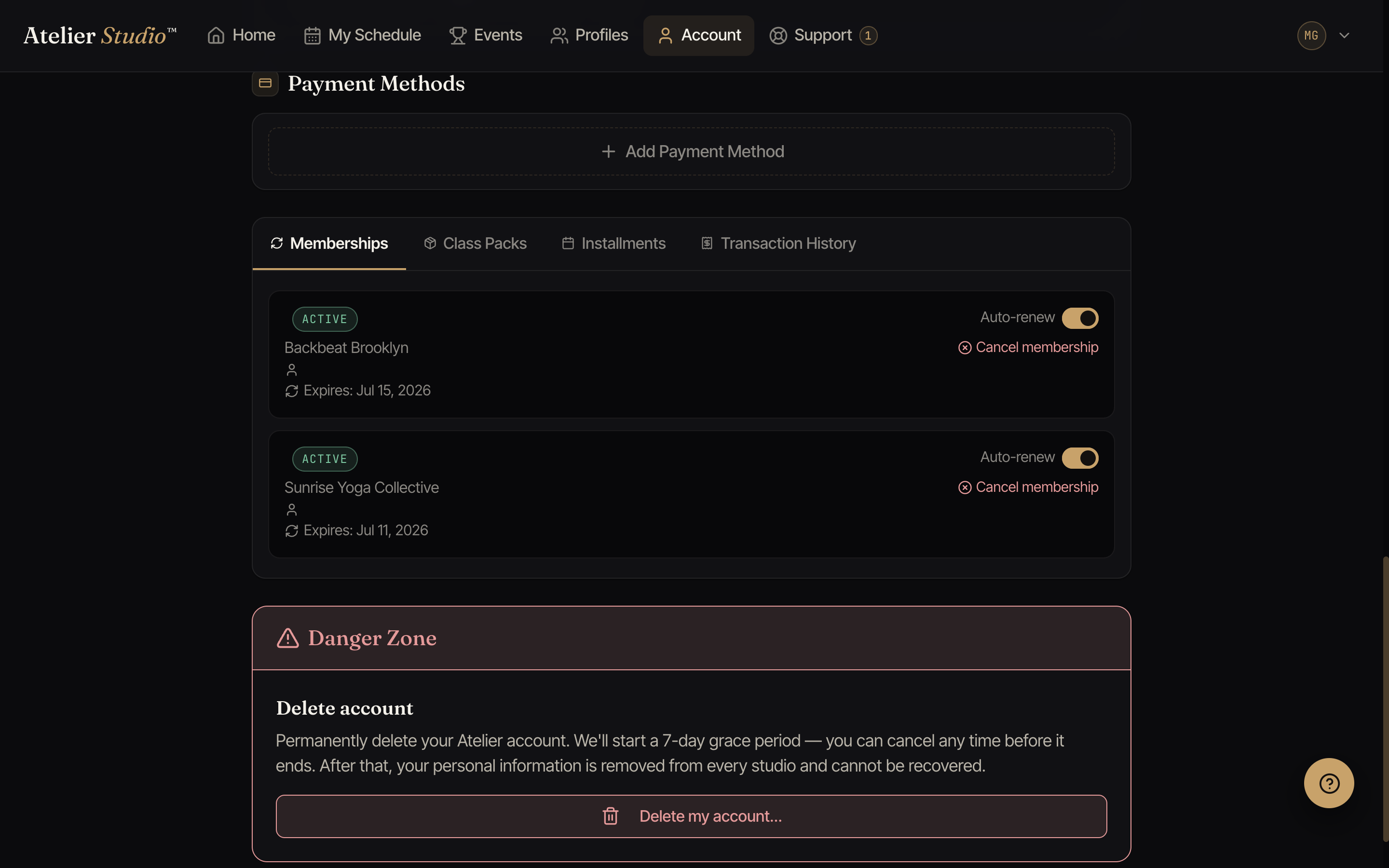
Open Account and find Payment Methods, then select Add Payment Method. The first card you add becomes your default for bookings.
When a studio saves your card
A studio can save your card while you are with them, after you say it is OK. You get an email right away. If the studio saved a new card, the email says the studio saved your card and that nothing was charged. If the card was already on your account, the email says the studio recorded your OK to charge it. Both emails have a link to stop the studio from using the card.
Stop a studio from charging your card
Open your payment methods and choose to stop the studio from using the card. The card stays on your account, and other studios are not affected. A stop applies to that one card only. Your other cards at the same studio still need your OK the normal way.
After you stop a studio, only you can turn it back on. You can add the card again, or tell the studio when you are there in person so they can ask for your OK again. The studio cannot turn it back on by itself.
Change your default
Have more than one card? Open the one you want and make it your default. That card is used for new bookings unless you pick another at checkout.
Remove a card
Select a card and choose to remove it. You can’t remove a card that’s mid-way through paying for an active membership, so switch your default first.