
For customers · Your Account & Passes
Your details and notifications
Change your name, email, contact number, and choose how each studio reaches you.
Keep your details current so reminders reach you and your studio knows who’s in the room. Everything lives on the Account page.
Your information
Open Account. Under Personal Information you can update your name, email, and phone number. Changes are saved as you go. You can also set your language, time format, and time zone, and change your password.
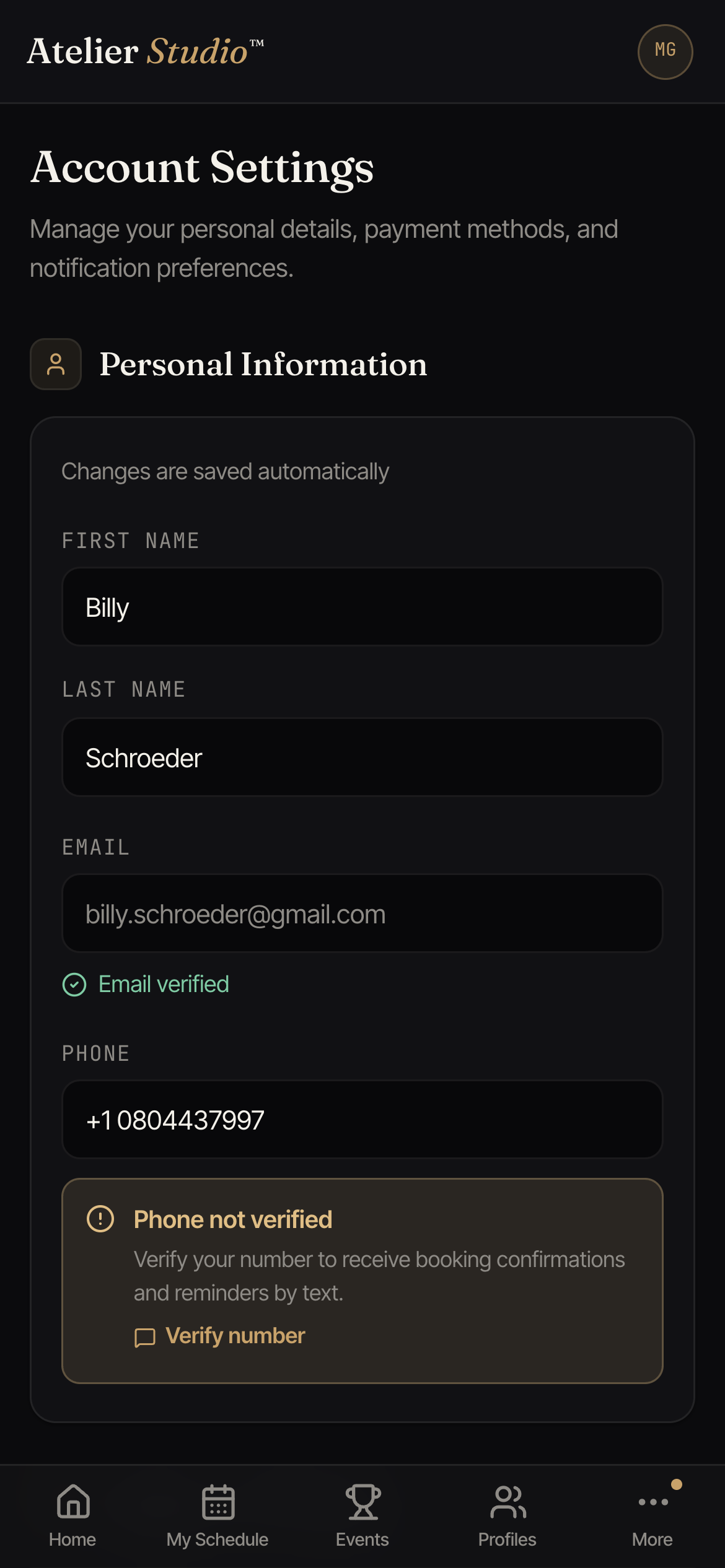
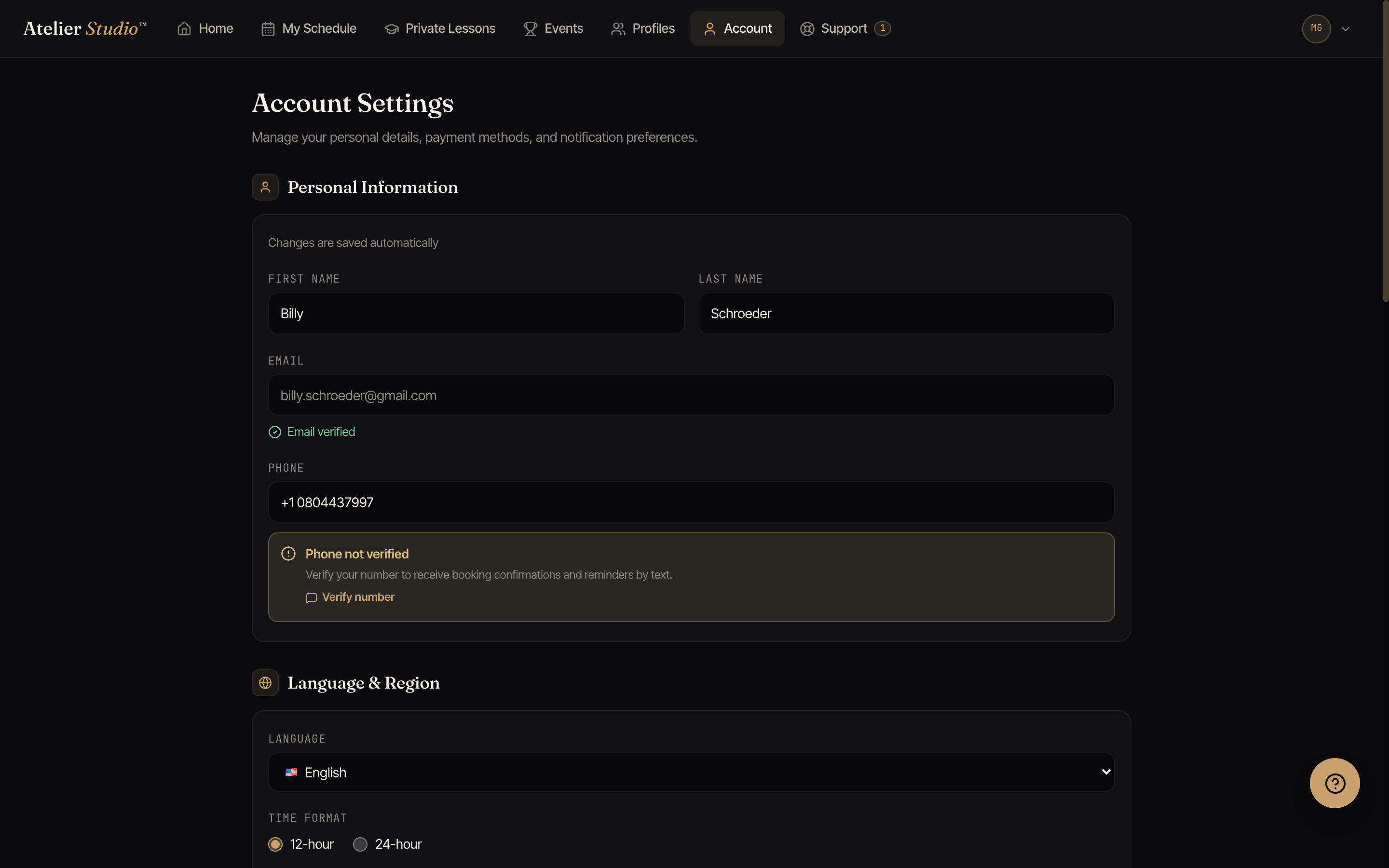
Your email and phone number each show whether they’re verified, a small confirmation that the contact really belongs to you, so studios can rely on it for confirmations and reminders.
How you hear from studios
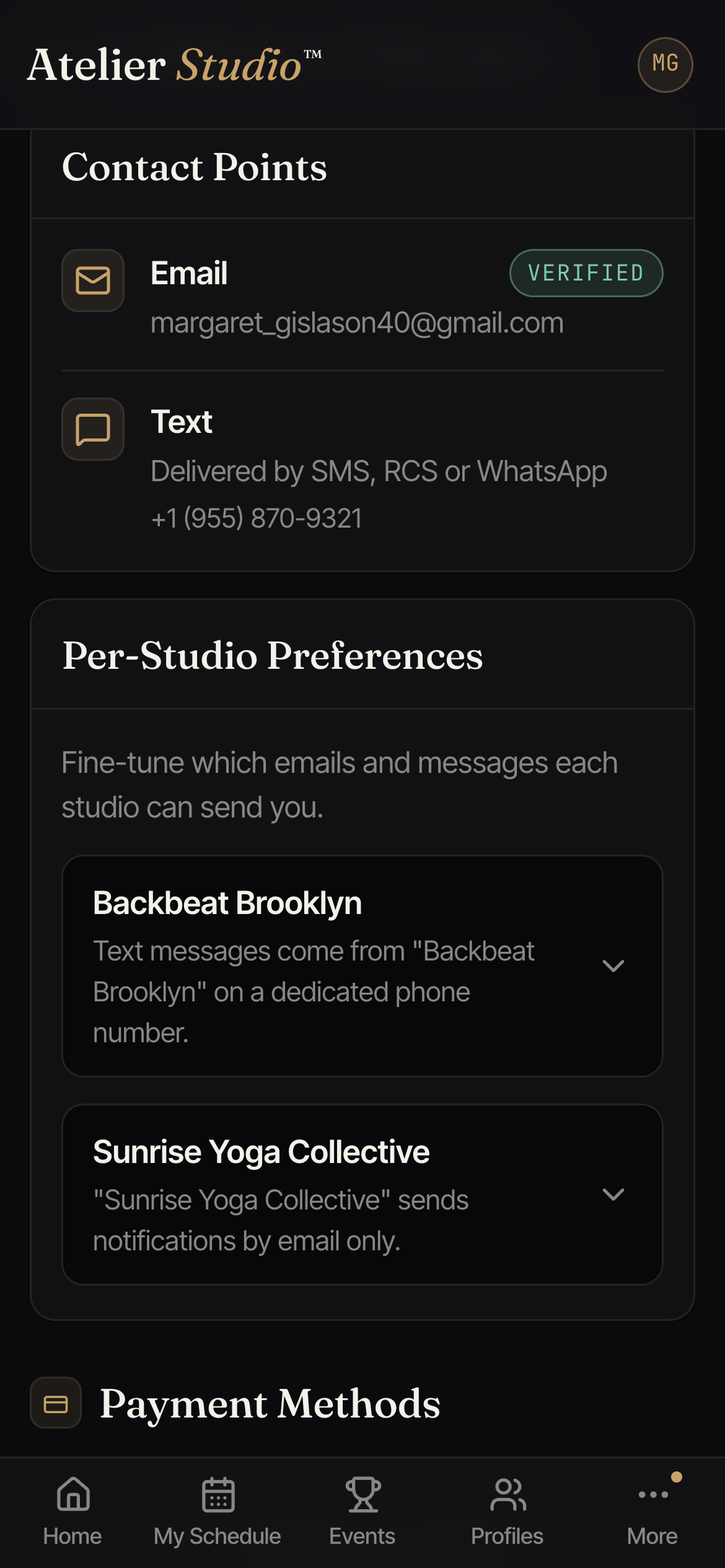
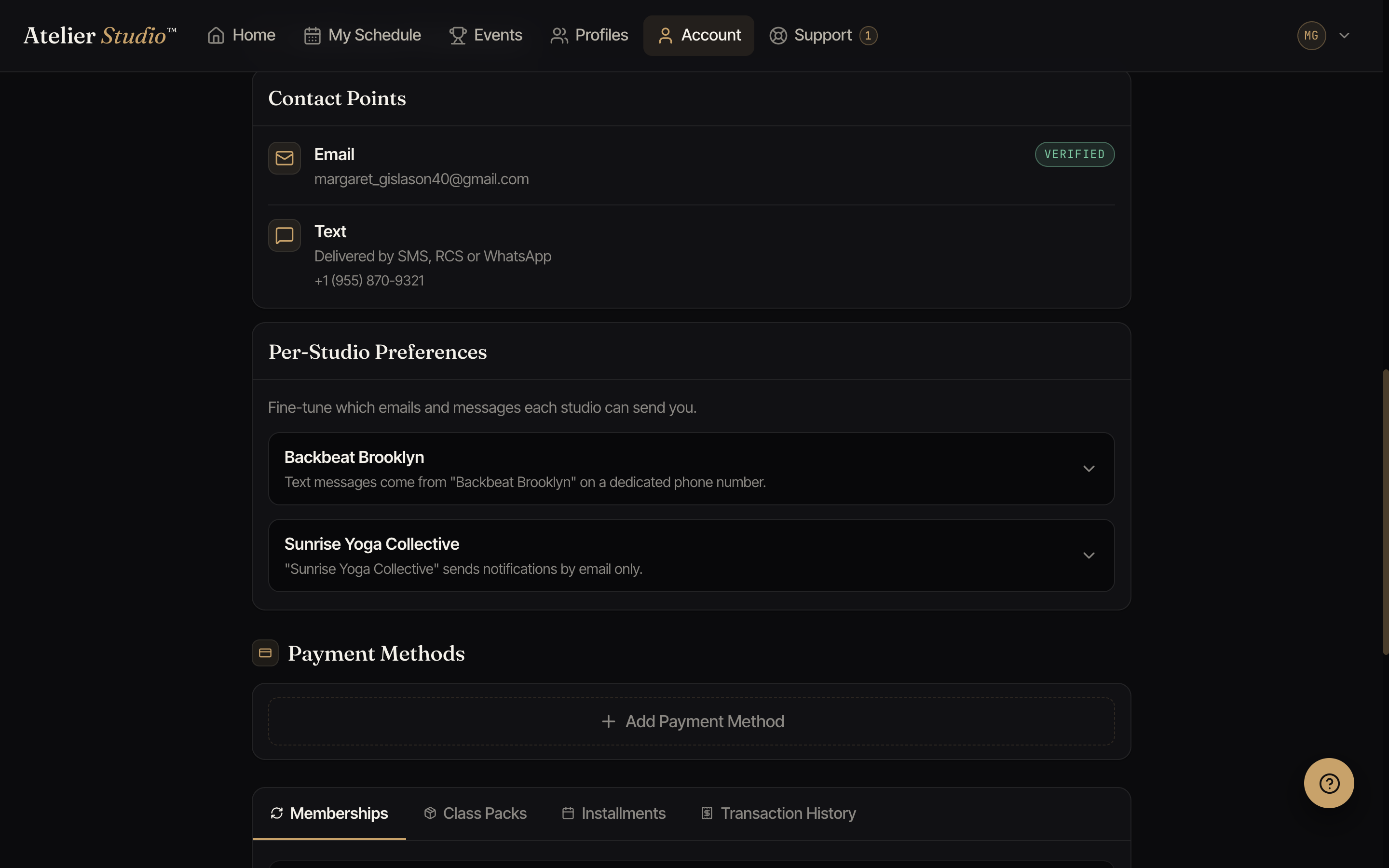
Scroll to Notification Preferences. Contact Points is where your email and phone are confirmed. Your phone receives text messages by SMS or RCS, depending on your device.
Settings for each studio
Under Per-Studio Preferences each studio has its own grid: every kind of message (booking confirmations, reminders, schedule changes, cancellations, waitlist offers, membership notices, and more) with an Email switch and a Text switch. Turn down the noise from one studio without affecting another.
If a switch is greyed out, that studio isn’t sending that message right now, or hasn’t turned on text messaging yet. Your choice is remembered either way and comes back if they turn it on again. Receipts and payment alerts can’t be switched off by the studio, but you can still turn them off here for yourself.
You’ll also find a couple of email-only options here:
- Open-seat invites: the occasional heads-up when a class you’d enjoy has a last-minute opening. A quick way to grab a spot that just freed up.
- Event announcements: news about recitals, showcases, and special events.
Both are on by default; switch either off for a studio and you’ll stop getting those emails from them. You can also opt out straight from the footer of any such email.